X (Twitter) Video and Image Sizes 2026
X (Twitter) video size requirements for 2026: dimensions, formats, the 2:20 limit, and X Premium differences. Updated monthly.
X Video Post Specs
X supports both landscape and vertical video in the native feed. H.264 is required, H.265 is not supported and will be rejected at upload.
| Setting | Value |
|---|---|
| Aspect ratios | 16:9 landscape (recommended), 1:1 square, 9:16 vertical, accepted range 1:2.39 to 2.39:1 |
| Recommended resolution | 1280×720px minimum; 1920×1080px for best quality |
| Max resolution | 1920×1200px (landscape) or 1200×1920px (portrait) |
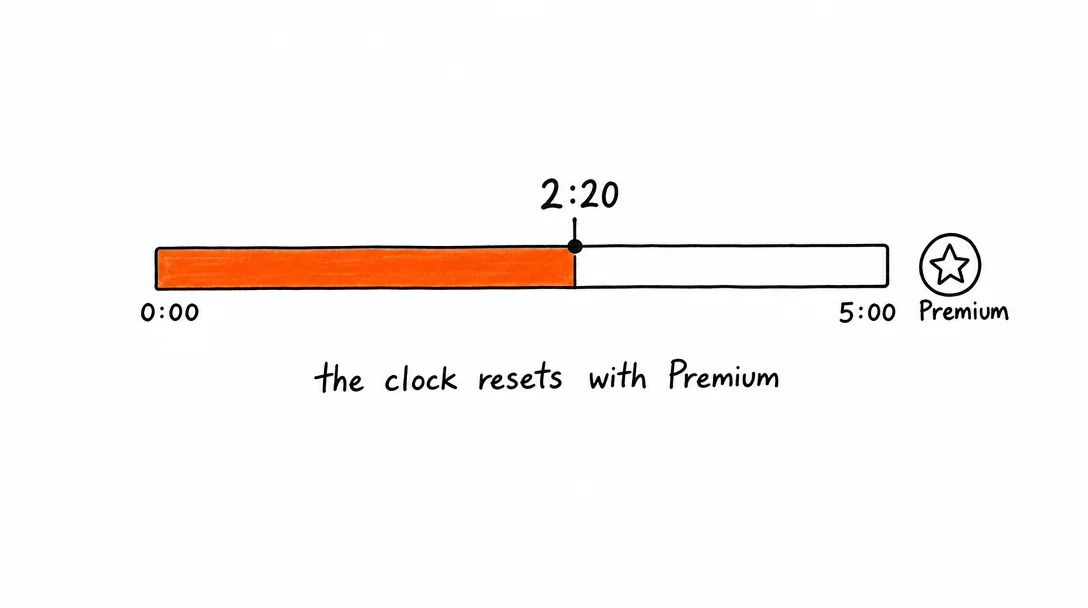
| Max length (standard) | 2 minutes 20 seconds (140 seconds) |
| Max length (X Premium) | Up to 3 hours |
| File format | MP4 (recommended), MOV |
| Video codec | H.264, H.265 not supported |
| Audio codec | AAC |
| Frame rate | 30fps or 60fps recommended |
| Max file size | 512MB |
| Max bitrate | 25 Mbps |
X Image Post Specs
Images in X posts are cropped to a preview in the feed. X shows a 2:1 crop in timeline view, upload at 1200×675px so nothing important gets cut.
| Setting | Value |
|---|---|
| Recommended size | 1200×675px (16:9), displays uncropped in feed |
| Square | 1080×1080px, safe for all contexts |
| File formats | JPEG, PNG, GIF, WebP |
| Max file size | 5MB (JPEG/PNG/WebP), 15MB (GIF) |
| Max images per post | 4 images (displayed in 1, 2, 3, or 2×2 grid) |
| Color profile | sRGB, other profiles may shift on upload |
X Profile and Header Image Specs
| Setting | Value |
|---|---|
| Profile photo | 400×400px, circular crop applied, JPG or PNG |
| Header / banner | 1500×500px, cropped on mobile; keep key content centered, JPG or PNG |
| Max profile photo size | 2MB |
| Max header size | 5MB |
X (Twitter) vs Threads: Which Platform in 2026?
X and Threads both target short-form text with media, and their video specs are similar enough to cross-post the same content. The strategic difference is in distribution and audience.
X strengths: Breaking news culture, larger existing audience, strong presence in tech, finance, and political discourse. If your content is timely or opinion-driven, X's real-time feed rewards it. X also has a more developed creator monetization program (X Premium, creator ads).
Threads strengths: Faster organic reach for new accounts, Meta's algorithmic distribution, and a culture that skews toward longer posts (500 characters vs X's 280 standard). Threads is growing faster and the algorithm is less saturated.
X video size requirements vs Threads video specs: X supports H.264 only (H.265 not accepted), max 512MB, 2:20 standard. Threads inherits Instagram's specs: H.264, up to 1GB, 5 minutes max. If you're cross-posting, export at X's constraints, under 512MB, H.264, and it works on both.
Character limits: X standard is 280 characters (X Premium gets 25,000+). Threads allows 500. Write your caption for X first (280 chars), then expand for Threads. This forces clarity that often makes the Threads version better too.
The practical answer: post to both. They take the same content, the same video file, and the same caption with minor length adjustment. Xroad Studio posts to X and Threads simultaneously in one upload.
X Premium vs Standard: What Actually Changes
X Premium (formerly Twitter Blue) changes several X video size requirements and posting capabilities. Here's what's different and whether it's worth it for content creators.
Video length: Standard: 2 minutes 20 seconds. X Premium: up to 3 hours. This is the biggest practical difference for video creators. Long-form video, tutorials, interviews, webinar recordings, is only possible with X Premium.
Character limit: Standard: 280 characters. X Premium: 25,000 characters (long-form posts, formerly "Articles"). For text-heavy content or SEO-style posts, Premium enables LinkedIn-style long-form.
Reach: X Premium replies are boosted in conversations. Posts from Premium accounts may receive slightly more distribution in replies to high-engagement posts. The reach benefit is modest and debated.
Who should subscribe: Video-first creators who regularly produce content over 2:20 will immediately benefit. For most creators posting short clips (under 60 seconds), X Premium's video extension isn't the deciding factor. The 4K video quality uplift that Premium previously offered has been largely made available to all accounts.
The 2:20 Limit and What It Means for Strategy
X's 2-minute 20-second video cap for standard accounts forces a discipline that often improves content. Most high-performing X videos are under 60 seconds, X's algorithm weights completion rate heavily, and completion drops sharply beyond 90 seconds.
The practical implication: if you have a 3-minute video, edit it down to under 60 seconds for X and link to the full version on YouTube. You get the engagement signal on X and the watch time on YouTube.
Xroad Studio exports at the correct X dimensions automatically. Post to X and up to 8 other platforms in the same workflow, no manual resize or re-export. For the full list of supported formats and the Premium upload limits, see the X video upload help page.
FAQ: X (Twitter) Video and Image Specs
Standard accounts are limited to 2 minutes 20 seconds (140 seconds). X Premium subscribers can post videos up to 3 hours. For organic reach, keep videos under 60 seconds, completion rate is the metric X weights most in feed ranking.
Related Guides
Apr 26, 2026 · 10 min read
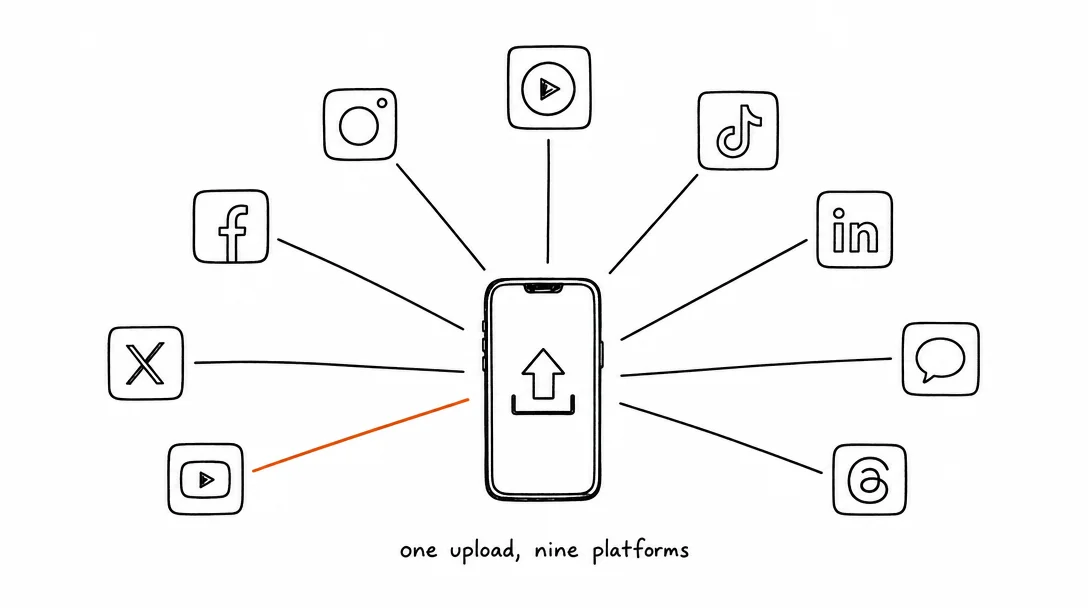
How to Post to 9 Platforms at Once
Stop logging in 9 times. Schedule everything, Instagram, TikTok, YouTube, LinkedIn, and more, from one place.
Apr 26, 2026 · 7 min read
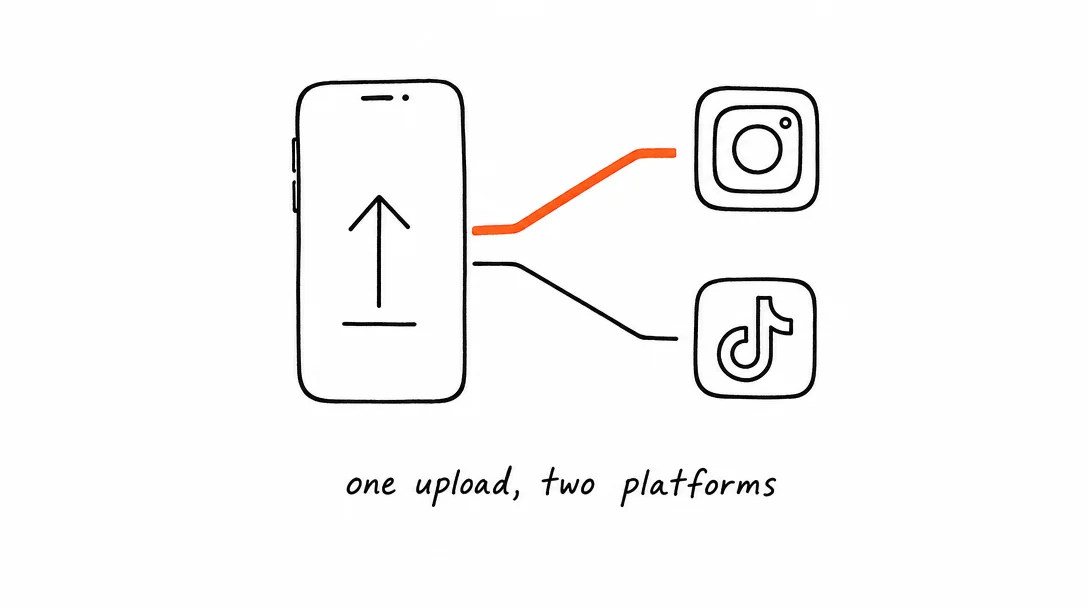
How to Post to Instagram and TikTok at Once
Upload once and publish to both Instagram and TikTok simultaneously. No double-uploading, no app switching.
May 19, 2026 · 8 min read
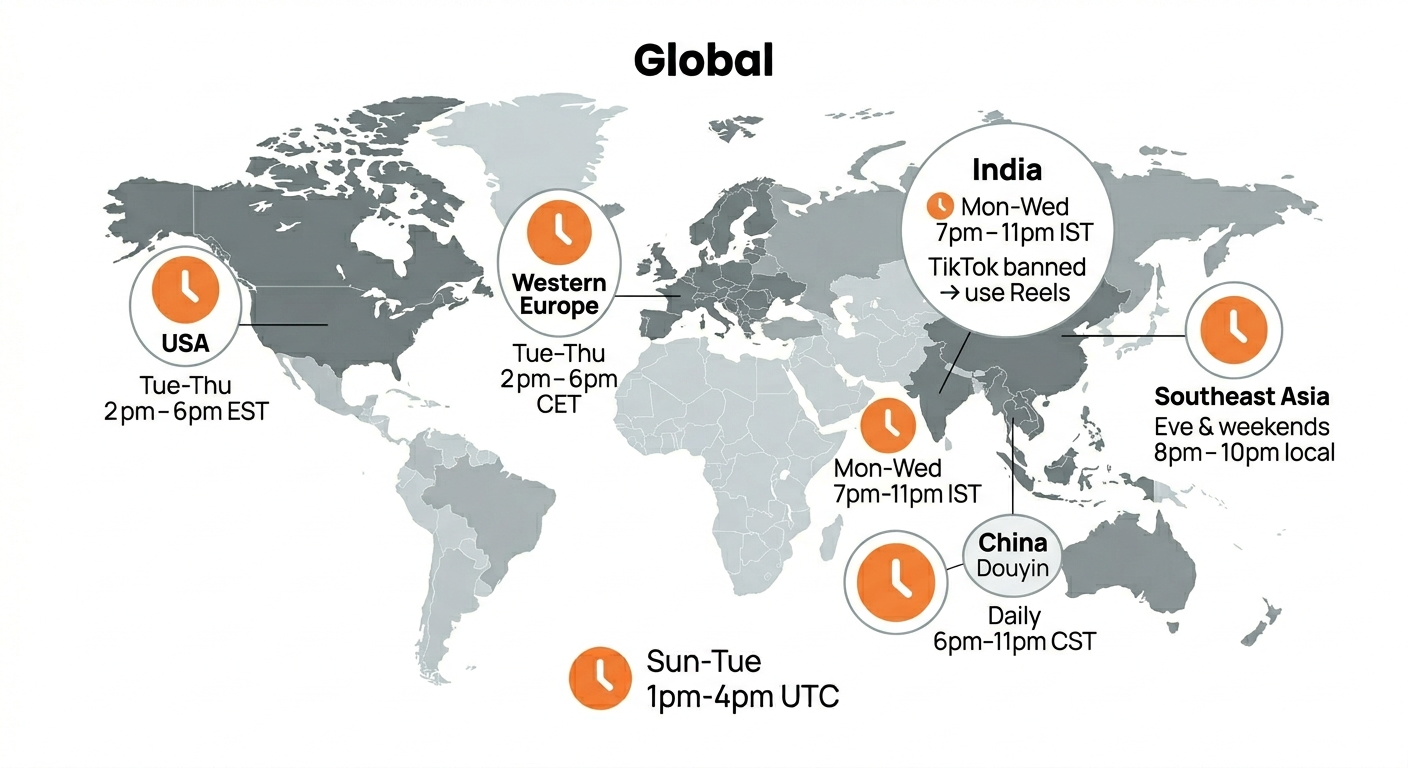
Best Time to Post on TikTok in 2026 (By Region)
Data from 2 billion TikTok engagements. Best posting times broken down by region, USA, Europe, Southeast Asia, and global audiences.
Your brand. One platform. Always on
Create, edit, and post from a single studio.
Start for freeXroad auto-posts to X at the right dimensions with one click.