Facebook Video and Image Sizes 2026
Facebook video size requirements for 2026: Reels dimensions, feed video specs, Stories, and image sizes. Updated monthly.
Facebook Reels Specs
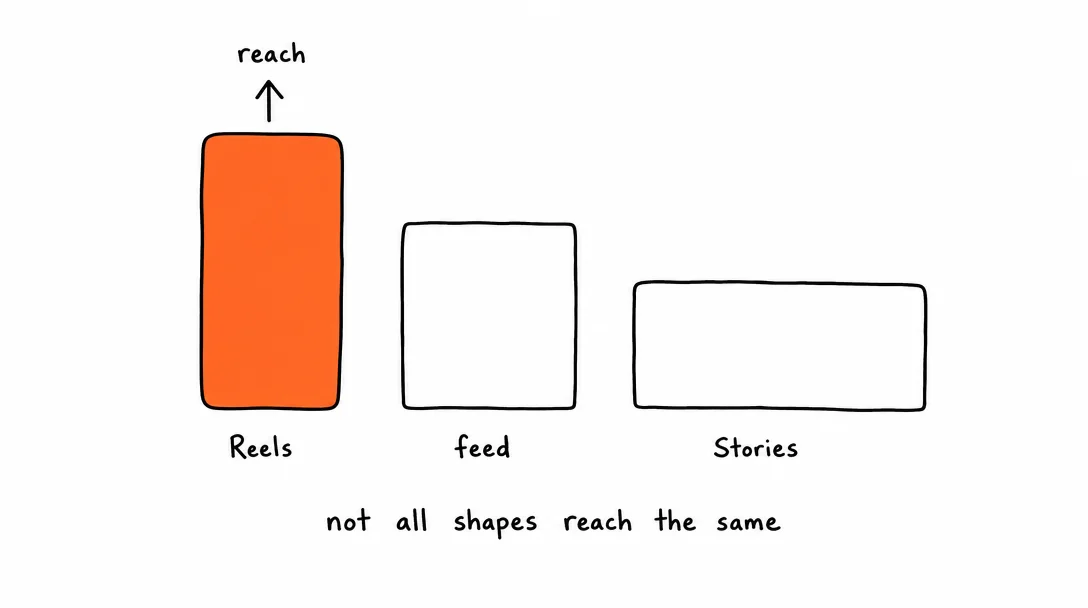
Reels is now Facebook's primary short-form video surface and the main driver of organic reach to non-followers. Always post short-form content as a Reel, not a feed video.
| Setting | Value |
|---|---|
| Aspect ratio | 9:16 vertical, required for full-screen display |
| Resolution | 1080×1920px recommended |
| Max length | 90 seconds |
| Min length | 3 seconds |
| File format | MP4 or MOV |
| Video codec | H.264 |
| Audio codec | AAC |
| Max file size | 4GB |
| Frame rate | Up to 60fps; 30fps recommended |
Facebook Feed Video Specs
Feed videos appear in the main feed and on your page. Best for long-form content, tutorials, and videos over 90 seconds. Supports a much wider range of aspect ratios than Reels.
| Setting | Value |
|---|---|
| Aspect ratios | 9:16 vertical, 4:5 portrait, 1:1 square, 16:9 landscape, all supported |
| Recommended resolution | 1280×720px minimum; 1920×1080px preferred |
| Max length | 240 minutes |
| File format | MP4, MOV (and others including AVI, WMV) |
| Video codec | H.264 recommended |
| Audio codec | AAC |
| Max file size | 4GB |
| Frame rate | Up to 60fps |
Facebook Image Post Specs
Facebook displays images at various sizes depending on feed context. 1200×630px is the most consistent choice across devices.
| Setting | Value |
|---|---|
| Landscape (recommended) | 1200×630px (1.91:1), safe for all feed placements |
| Square | 1080×1080px |
| Portrait | 1080×1350px (4:5) |
| File formats | JPEG or PNG |
| Max file size | 8MB |
| Max images per post | 10 images in a multi-photo post |
| Color profile | sRGB, Facebook converts CMYK but colors may shift |
Facebook Stories Specs
Facebook Stories disappear after 24 hours and display full-screen. Safe zone matters, UI elements cover the top 14% and bottom 20% of the frame.
| Setting | Value |
|---|---|
| Aspect ratio | 9:16 vertical |
| Resolution | 1080×1920px |
| Image display time | 5 seconds |
| Video max length | 20 seconds per segment |
| File format | MP4 or MOV (video); JPEG or PNG (image) |
| Max file size | 4GB (video), 8MB (image) |
| Safe zone | Keep key content 250px from top and 400px from bottom |
Cross-Posting from Instagram to Facebook: What to Adjust
Instagram and Facebook share the same parent company and similar video infrastructure, which means the Facebook video size requirements are largely identical to Instagram's. In practice, most Instagram content posts to Facebook without modification.
What stays the same: Reels specs (9:16, 1080x1920px, H.264, AAC), Stories specs (9:16, same dimensions), image dimensions (1080x1080px square, 1080x1350px portrait). The same video file that works for Instagram Reels works for Facebook Reels.
What's different: Facebook Reels are capped at 90 seconds vs Instagram's 90 seconds too, matching. But Facebook feed video extends to 240 minutes, while Instagram feed video caps at 60 minutes. For very long video content, Facebook has more room.
Captions: Facebook's auto-caption feature is more reliable than Instagram's in multiple languages. If you post in languages other than English, Facebook is more likely to auto-generate accurate captions from your uploaded video. Still worth uploading your own SRT file for quality control.
Audience: Facebook skews older than Instagram. The same content may resonate differently, posts that perform well with 18-25 year olds on Instagram often perform better with the 35+ demographic on Facebook. This isn't a spec issue, but it's worth considering when writing captions for cross-posted content.
The simplest approach: post to both with the same asset. Let the platforms handle distribution to their respective audiences. Xroad Studio handles the simultaneous post to Instagram and Facebook with one upload.
Facebook Reels Scheduling: Timing and Best Practices
Facebook Reels scheduling, when to post, how often, and what metadata helps reach, goes beyond just meeting the Facebook video size requirements.
Optimal posting times: Facebook engagement peaks between 9am-12pm and 6pm-9pm in the target audience's time zone. Reels have slightly longer shelf life than feed posts, a Reel can continue receiving views from the Reels tab for days after posting. Schedule for morning or evening rather than mid-day.
Captions: Facebook Reels captions directly affect discoverability. The first 125 characters appear without truncation. Include the topic and a CTA in the first 125 characters, "How to X in Y minutes. Full tutorial below" performs consistently better than generic captions.
Hashtags: Facebook hashtags matter slightly for discoverability on the platform, unlike Instagram where their impact has declined. 3-5 topic-specific hashtags are worth adding. Avoid overloading with irrelevant tags, Facebook's algorithm downgrades posts that appear spammy.
Posting frequency: Facebook's algorithm rewards consistent posting. 3-5 Reels per week outperforms sporadic high-quality posts for channel growth. Consistency signals to the algorithm that your account is active and worth distributing.
Reels vs Feed Video: Which Gets More Reach?
Facebook's algorithm pushes Reels to non-followers, the same model Instagram uses. If your goal is new audience growth, Reels is the only format that regularly reaches people who don't already follow you.
Feed videos, by contrast, are primarily seen by existing followers and people who visit your page. They're better for depth: tutorials, product demos, long-form content where watch time per view matters more than total reach.
The practical strategy: repurpose your 9:16 short-form content as Reels for reach, and post longer content as feed video for your existing audience. Xroad Studio handles both formats and auto-posts to Facebook alongside your other platforms. Official format guidelines are at Facebook for Creators.
All platform specs
Instagram·TikTok·YouTube·X (Twitter)·LinkedIn·Pinterest·Threads·Bluesky
Once you know the specs, schedule from one content calendar, keep every post on-brand with Xroad's brand kit, or see pricing.
FAQ: Facebook Video and Image Specs
9:16 vertical at 1080×1920px, MP4, H.264. Reels is Facebook's primary organic reach driver, the same way Reels dominates Instagram. Landscape videos posted as Reels get letterboxed and lose significant screen real estate on mobile.
Related Guides
Apr 26, 2026 · 10 min read
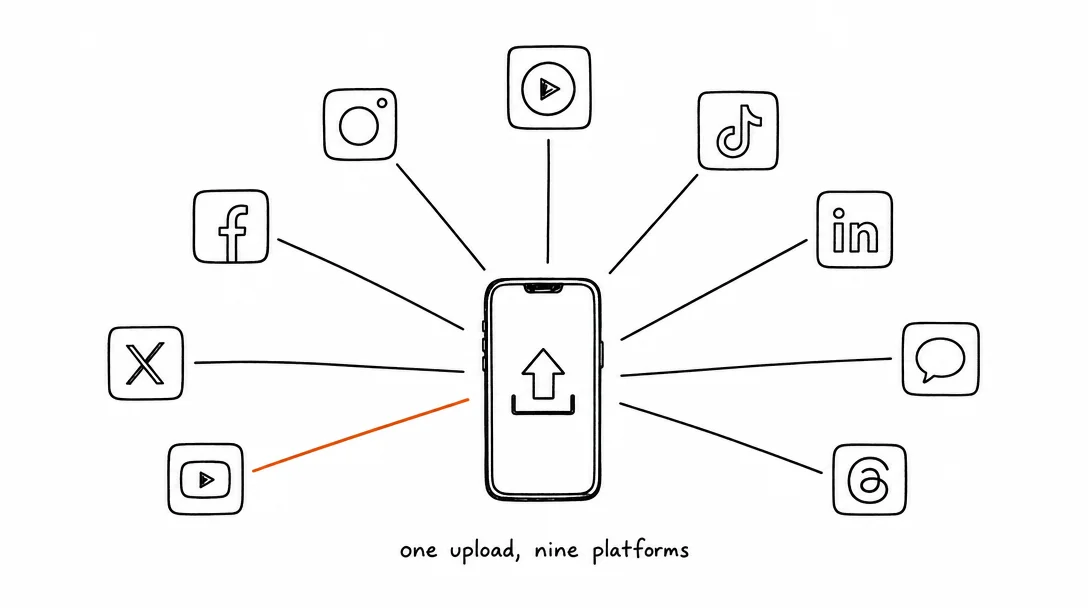
How to Post to 9 Platforms at Once
Stop logging in 9 times. Schedule everything, Instagram, TikTok, YouTube, LinkedIn, and more, from one place.
Apr 26, 2026 · 7 min read
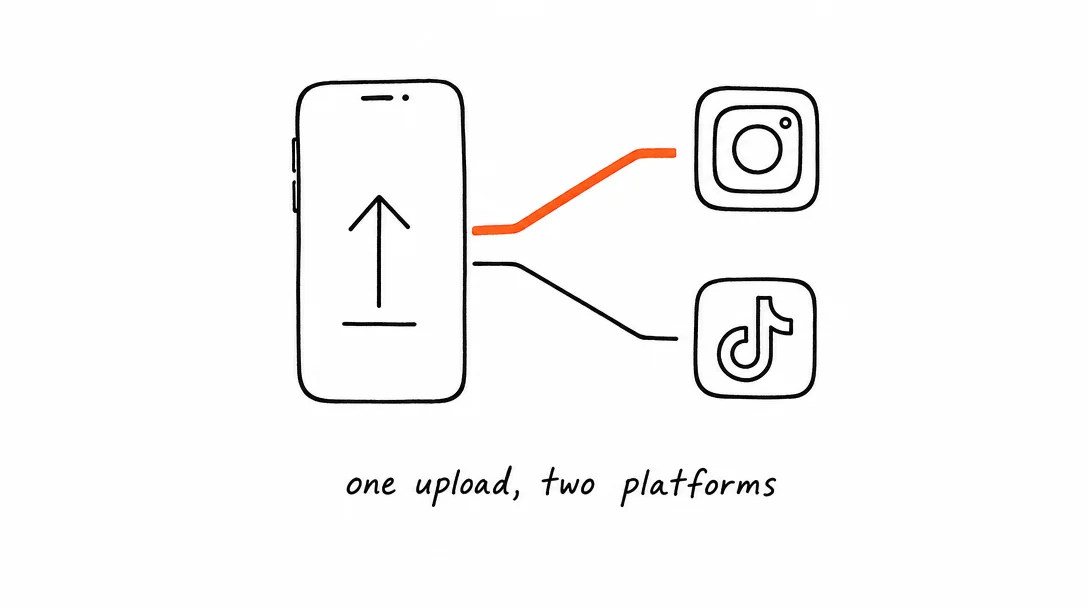
How to Post to Instagram and TikTok at Once
Upload once and publish to both Instagram and TikTok simultaneously. No double-uploading, no app switching.
May 19, 2026 · 8 min read
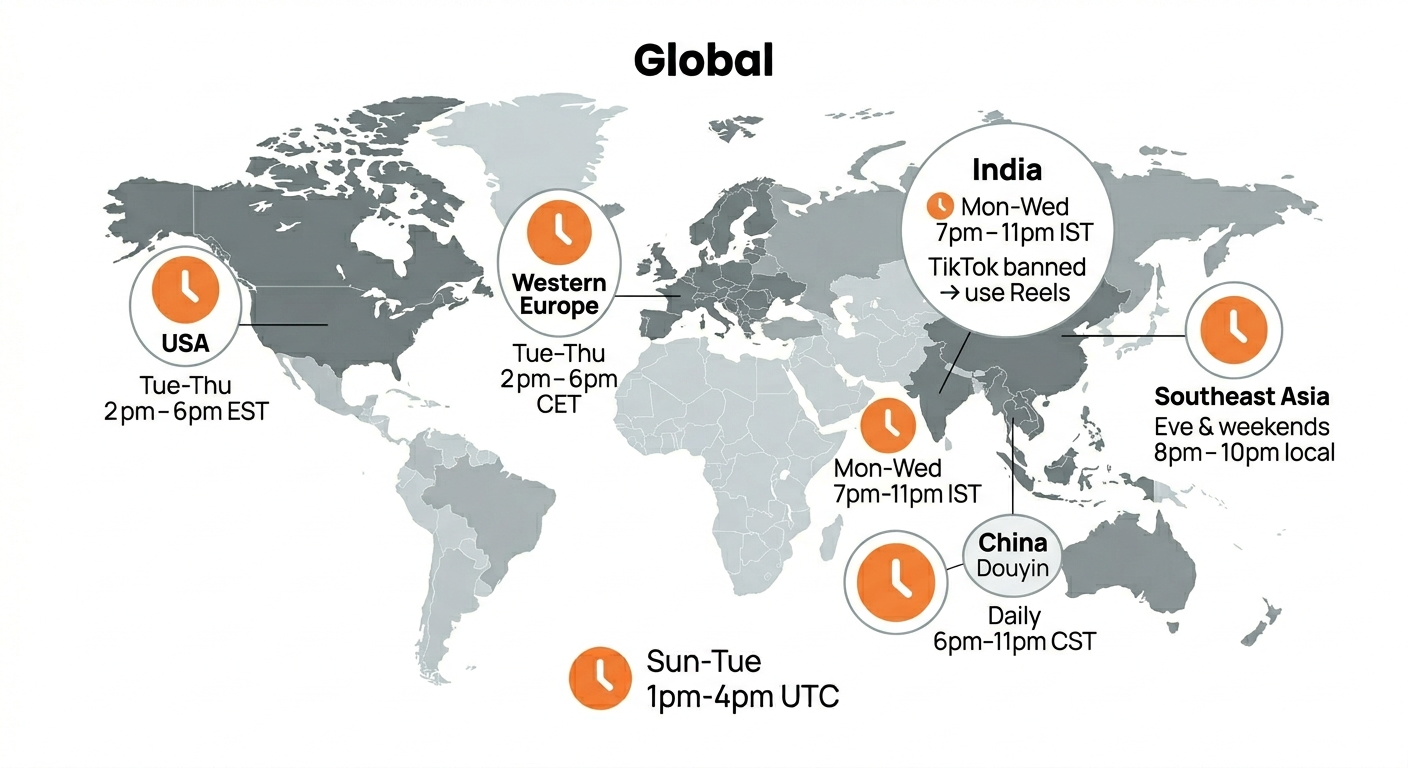
Best Time to Post on TikTok in 2026 (By Region)
Data from 2 billion TikTok engagements. Best posting times broken down by region, USA, Europe, Southeast Asia, and global audiences.
Your brand. One platform. Always on
Create, edit, and post from a single studio.
Start for freeXroad auto-posts to Facebook at the right dimensions with one click.