AI Post-Production Tools
Refine, format, and perfect your media assets. Use our suite of precision tools to edit your images and videos in the browser.
Start for free100 free credits · No credit card required
Image post production
Adjust
Modify brightness, contrast, and saturation. Flip your images horizontally or vertically to match your layout requirements.
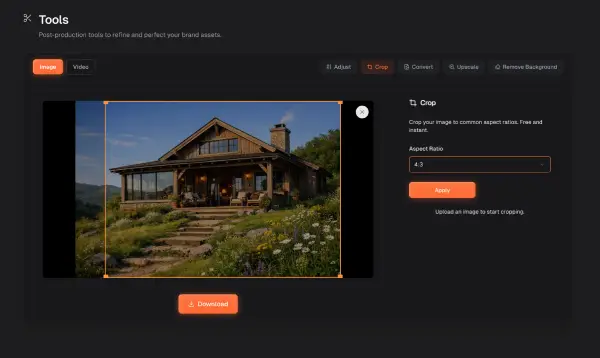
Crop
Define your image dimensions. Crop your assets to multiple common aspect ratios for web and social platforms.
Convert
Change your file format. Select between WebP, JPEG, and PNG to ensure your assets match your project requirements.
Upscale
Increase image resolution. Boost your file quality up to 4K to restore sharpness and detail.
Remove Background
Isolate your subject. Automatically detect and remove the background from your product shots or portraits.