How to Post to 9 Platforms at Once
Stop logging in 9 times. Schedule everything from one place.
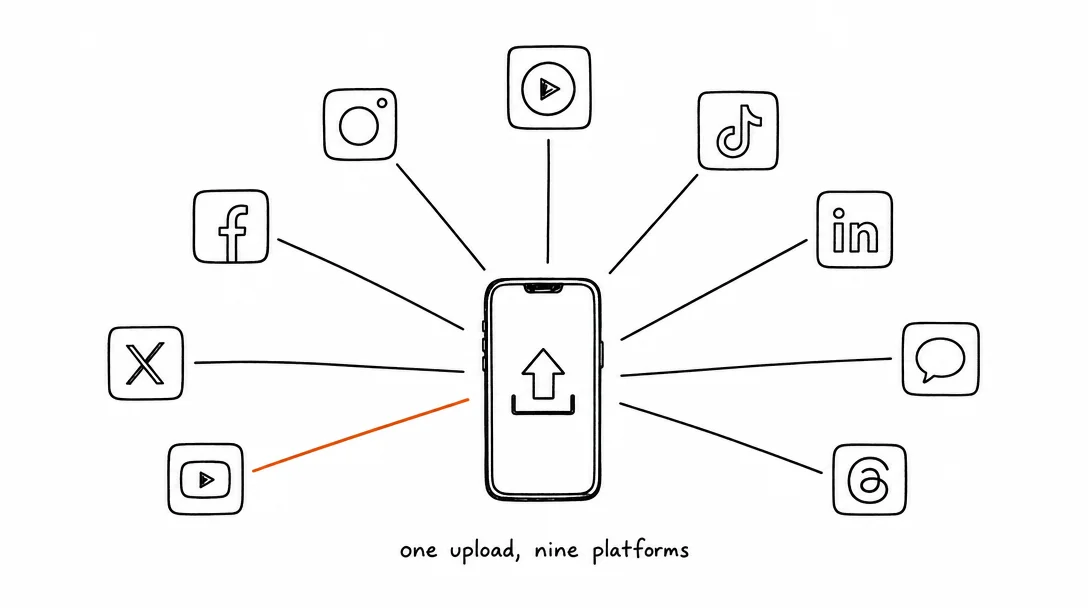
The Reality of Managing 9 Platforms
You create one video. Then you spend the next hour logging into Instagram, resizing for TikTok, uploading to YouTube, tweaking captions for LinkedIn, and repeating for five more platforms. By the time you're done, you've lost an afternoon just hitting publish.
Most creators face this problem: the platforms that matter most to their audience keep growing. Instagram reaches one audience. TikTok reaches another. YouTube reaches a third. LinkedIn reaches professionals. Pinterest reaches visual searchers. X reaches news and tech. Threads reaches early adopters. Bluesky reaches the exodus. Each platform is a separate account, separate login, separate upload process.
Here's what the data shows: video posts get 5x more engagement on LinkedIn compared to static posts. On TikTok, videos posted with trending sounds see 2x higher reach than videos without audio hooks. Instagram Reels with text overlays get 3x more saves. This means the same video optimized per platform can dramatically outperform generic cross-posting.
The math is brutal. If you post 3 times a week and manage 9 platforms, that's 27 separate uploads. At 5–10 minutes per upload, you're looking at 2–4 hours per week just hitting publish. That's time you could spend creating better content.
The Benefits (And the Real Tradeoffs)
✓ You reach 9x the audience
One video reaches Instagram followers, TikTok followers, YouTube subscribers, LinkedIn connections, and beyond. But tradeoff: each platform has different audience expectations. A video that performs well on TikTok might underperform on LinkedIn. Solution: customize captions, but use the same video.
✓ You save 2-4 hours per week
Instead of logging in 9 times, you upload once and schedule. But tradeoff: automation can feel impersonal if captions are generic. Solution: write genuine captions for each platform, then let the scheduler handle the publishing.
✓ You stay consistent
Batch-create content on Sunday, schedule it for the week, and forget about it. But tradeoff: you miss real-time trends and can't respond to breaking news. Solution: schedule 80% of your content, leave 20% for organic, real-time posts.
✓ You get data across all platforms
A good scheduler shows which platforms drive engagement, clicks, or conversions. But tradeoff: you still need to analyze the data and act on it. Solution: review analytics weekly and adjust your strategy.
The 5 Mistakes Most Creators Make
Platform-Specific Details You Need to Know
Format: 9:16 vertical video or image.
Length: 15–90 seconds for Reels.
Captions: 2,200 characters max, 15–30 hashtags recommended.
Algorithm: Favors watch time and saves.
Tip: First 3 seconds are critical. Hook viewers immediately.
TikTok
Format: 9:16 vertical video.
Length: 15s–10min (sweet spot: 15–60s).
Captions: 150 characters visible by default.
Algorithm: Doesn't care about followers, shows content to random users based on engagement.
Tip: Use trending sounds for 2x reach boost.
YouTube
Format: 16:9 landscape or 9:16 vertical (Shorts).
Length: 15–60s for Shorts; unlimited for standard video.
Captions: Title and description matter for SEO.
Algorithm: Favors watch time and average view duration.
Tip: Thumbnail is everything. Use bold colors and faces.
Format: 9:16 vertical or square.
Length: 15s–2min optimal for Reels.
Captions: 2,000+ characters.
Algorithm: Native video outperforms YouTube links.
Tip: Ask a question at the end to boost comments.
X / Twitter
Format: 16:9 or square video.
Length: 30s+ works well; standard cap is 2:20.
Captions: 280 characters for single post; threads allow longer.
Algorithm: Retweets and replies matter more than the video itself.
Tip: Ask a question or invite conversation.
Format: 1:1 square or 4:5 portrait preferred.
Length: 60s–3min optimal.
Captions: 1,300 characters visible before "more."
Algorithm: Video gets 5x engagement vs. static posts.
Tip: Share a lesson or insight, not just entertainment.
Format: Vertical 2:3 (1000×1500px).
Length: Not video-focused; static pins rank longer.
Captions: Descriptions include keywords, Pinterest indexes them.
Algorithm: Visual search engine, not social media.
Tip: Users save pins months later. It's a long-tail channel.
Threads & Bluesky
Format: 9:16 vertical video or text post.
Length: 30s+ works; Threads 500 chars, Bluesky 300 chars.
Captions: Conversational, opinion-driven.
Algorithm: Still growing, but high engagement from active users.
Tip: Audience is tech-forward and early-adopter focused.
How to Schedule Content to 9 Platforms
The fastest path: use a scheduler that connects all 9 platforms and handles publishing automatically. Xroad Studio covers Instagram, TikTok, YouTube, Facebook, X, LinkedIn, Pinterest, Threads, and Bluesky in a single dashboard. No platform switching, no nine separate logins.
The workflow with Xroad Studio:
- Connect your accounts (one-time OAuth per platform)
- Upload or generate your content: images or videos
- Select which platforms to publish to
- Write your caption and pick a publish date and time
- Schedule. Xroad publishes automatically at the chosen time
If you need content created from scratch, Xroad also includes AI image and video generation. The workflow becomes: type your idea → generate → schedule → done. No other tool in this space generates AND distributes in the same app.
If you'd rather hand off content strategy entirely, agencies like Ranktio build research-backed content plans for startups and small teams, then you can schedule and distribute the output across all 9 platforms from Xroad.
Comparing the Tools: What's Actually Out There
No single tool is best for everyone. Here's an honest comparison:
| Tool | Price | Best For | Key Strengths |
|---|---|---|---|
| Xroad Studio | $29+/mo | Agencies, small business, ecommerce | AI image/video creation, branded social content, schedule to 9 platforms |
| Buffer | $5–15/mo | Beginners | Simple UI, affordable, Instagram/TikTok focused |
| Later | $15–50/mo | Instagram-first creators | Strong integration, visual calendar, great UX |
| Hootsuite | $49–739/mo | Agencies & teams | All 9 platforms, robust analytics, approval workflows |
| SocialPilot | $18–300/mo | Agencies | Client management, white-label, affordable at scale |
| Sprout Social | $249+/mo | Enterprises | Enterprise analytics, compliance, premium support |
Pick based on your situation: Running a business/agency → Xroad Studio (you need branded content + scheduling). Solo creator → Buffer or Later. Growing creator on Instagram → Later. Manage multiple clients on platforms → Hootsuite or SocialPilot. Enterprise-level → Sprout Social.
The key difference: Most schedulers only distribute. Xroad Studio creates branded content AND distributes it. If you're a small business, agency, or ecommerce owner who needs consistent, on-brand content across 9 platforms without hiring designers, Xroad is built for you. Check pricing to see plans.
What NOT to Automate (The Compliance Warning)
✓ Safe to automate: Publishing posts, scheduling times, bulk uploads
✗ Never automate:
- Replies and comments: Auto-replies feel robotic and damage trust. Always respond manually.
- Likes and follows: Auto-engaging violates platform terms of service. You risk account suspension or shadowbanning.
- Mass comments or follows: Again, violates ToS. Don't do it.
- DM responses: Direct messages need human context and tone. Automation will get you banned.
The rule: Automate the posting. Engage manually. Platforms reward authentic, human interaction. Automation signals spam.
Platform dimension guides
Instagram Sizes 2026
Reels, feed, Stories
TikTok Specs 2026
Video dimensions and limits
YouTube Specs 2026
Shorts and long-form
Facebook Specs 2026
Reels, feed, Stories
X (Twitter) Specs 2026
Video and image limits
LinkedIn Specs 2026
Video and image sizes
Pinterest Specs 2026
Pin and video formats
Threads Specs 2026
Image and video limits
Bluesky Specs 2026
1MB image limit guide
Once you're posting to all 9 platforms, keep every post on-brand with Xroad's brand kit, plan the whole month from one content calendar, and see the real numbers on Xroad's pricing page. See how it compares to Hootsuite and Buffer, or read how to post to Instagram and TikTok at once and the best time to post on TikTok.
FAQ: Multi-Platform Social Media Posting
Mostly yes, but with adjustments. Instagram, TikTok, and YouTube have different aspect ratio preferences (9:16 vertical). Video length varies: TikTok allows 15s–10min, YouTube shorts are 15–60s, Reels are 15–90s. A good scheduler adapts automatically so you don't have to.
Related Guides
Apr 26, 2026 · 7 min read
How to Post to Instagram and TikTok at Once
Upload once and publish to both Instagram and TikTok simultaneously. No double-uploading, no app switching.
May 19, 2026 · 8 min read
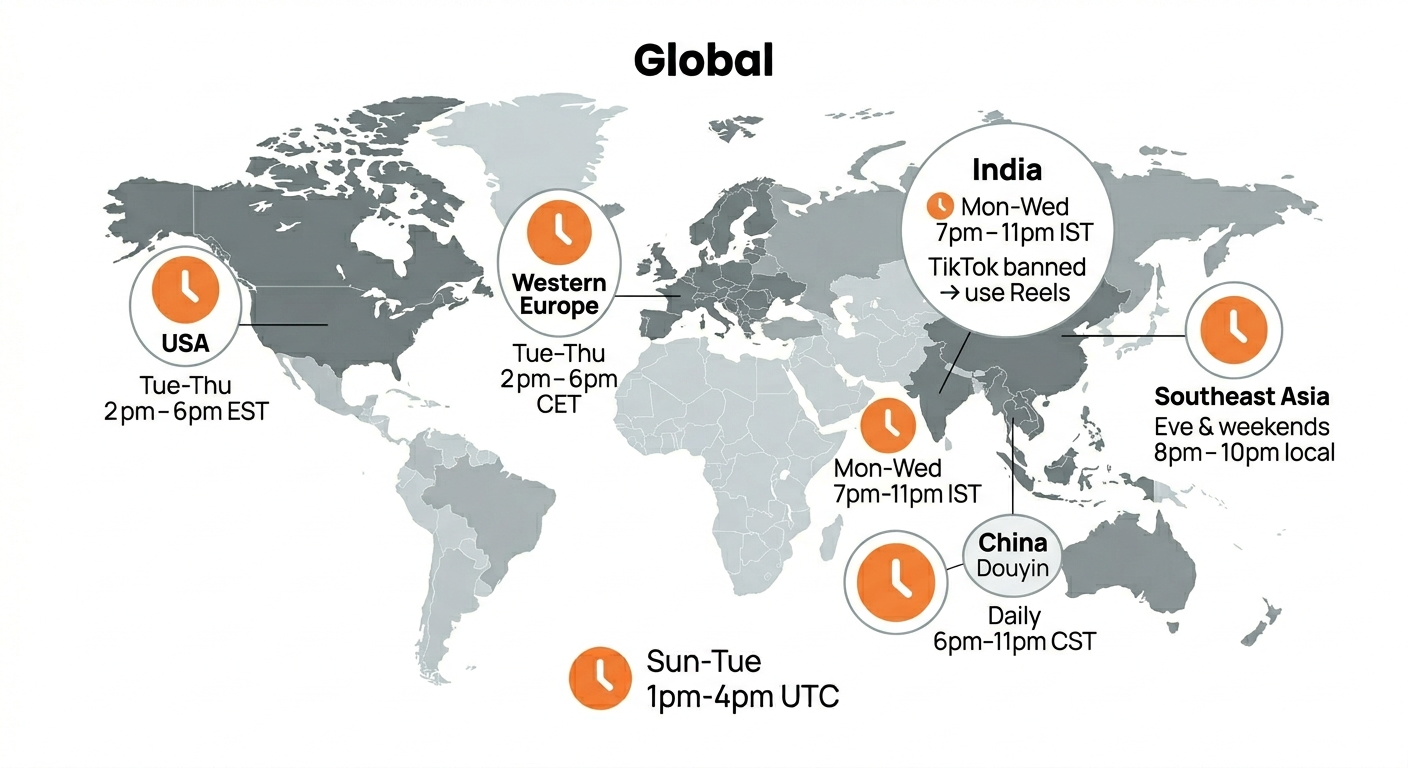
Best Time to Post on TikTok in 2026 (By Region)
Data from 2 billion TikTok engagements. Best posting times broken down by region, USA, Europe, Southeast Asia, and global audiences.
Sep 8, 2026 · 8 min read
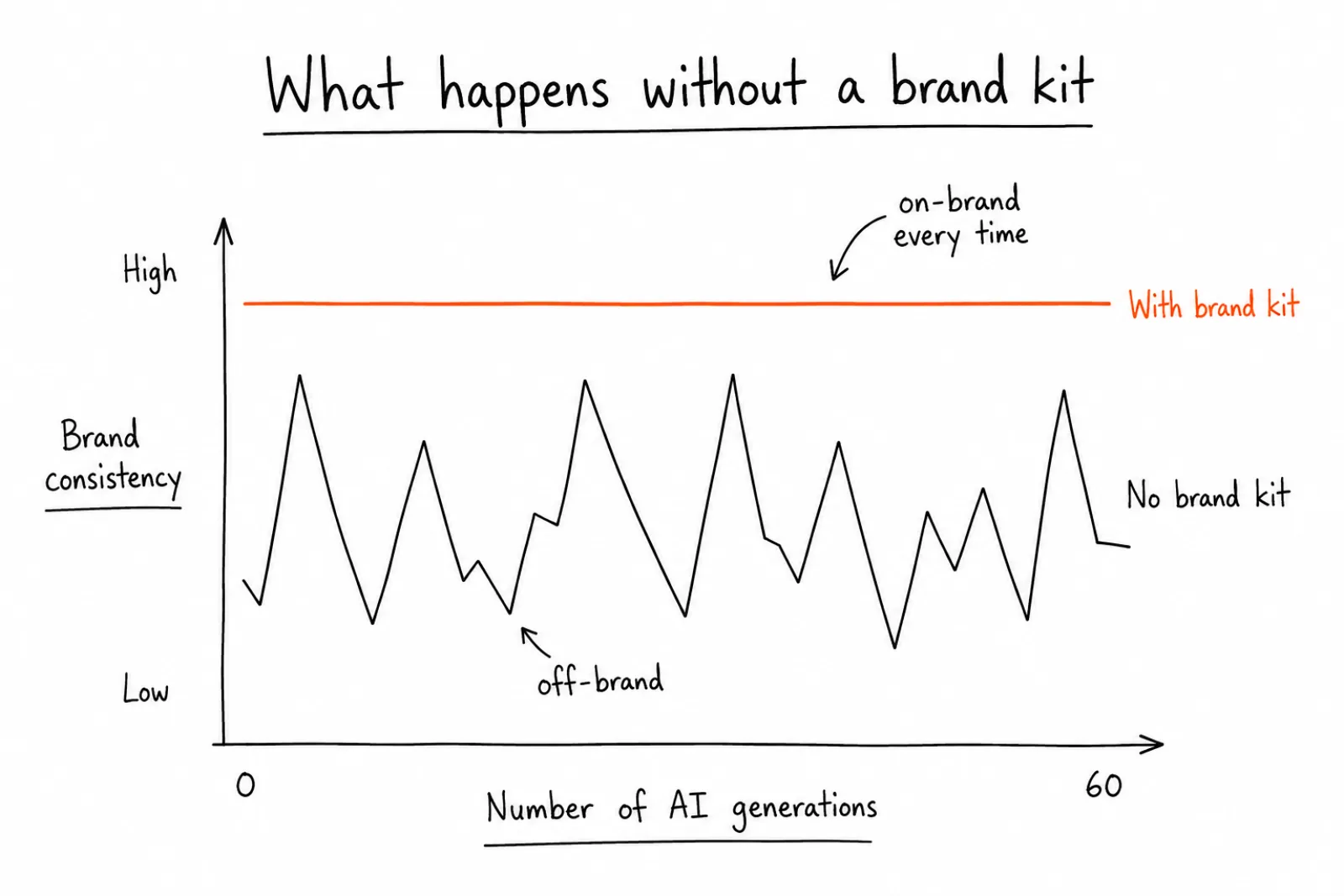
How to Build a Brand Kit That Keeps Every AI-Generated Post On-Brand
A brand kit is the fix. It's a structured set of rules, colors, fonts, tone, logo placement, that an AI tool reads before it generates anything.
Your brand. One platform. Always on
Create, edit, and post from a single studio.
Start for freeSchedule to 9 platforms at once. No more logging in 9 times.