Instagram Video and Image Sizes 2026
Instagram video size requirements for 2026: Reels, feed video, Stories, and image dimensions, every format, updated monthly.

Instagram Reels Specs
Reels is Instagram's primary reach driver. These specs give maximum quality and algorithmic visibility.
| Setting | Value |
|---|---|
| Aspect ratio | 9:16 vertical, required for full-screen display |
| Resolution | 1080×1920px recommended, minimum 1080×566px |
| Max length | 90 seconds (most accounts); up to 15 min for select creators |
| File format | MP4 or MOV |
| Video codec | H.264 |
| Audio codec | AAC, 128kbps+ |
| Frame rate | 24–60fps |
| Max file size | 1GB |
| Safe zone | Keep text 14% from top and bottom edges to avoid UI overlap |
Instagram Feed Video Specs
Feed videos appear in the grid and home feed. More flexible aspect ratios than Reels.
| Setting | Value |
|---|---|
| Aspect ratios | Portrait 4:5 (recommended), Square 1:1, Landscape 1.91:1 |
| Resolution | 1080×1350px (4:5), 1080×1080px (1:1), 1080×566px (16:9) |
| Max length | 60 minutes |
| File format | MP4 or MOV |
| Video codec | H.264 |
| Max file size | 4GB |
| Frame rate | 23–60fps |
Instagram Feed Image Specs
Static images for feed posts and carousels.
| Setting | Value |
|---|---|
| Aspect ratios | Portrait 4:5 (best reach), Square 1:1, Landscape 1.91:1 |
| Resolution | 1080×1350px (4:5 portrait, recommended) |
| Min width | 320px |
| File format | JPEG or PNG |
| Max file size | 8MB (PNG), 4MB (JPEG) |
| Color space | sRGB (CMYK is auto-converted, may shift colors) |
| Carousel | 2–10 images or videos per post, each at the same specs above |
Instagram Stories Specs
Stories display full-screen for 24 hours. Safe zone matters, UI elements cover top and bottom of the frame.
| Setting | Value |
|---|---|
| Aspect ratio | 9:16 vertical |
| Resolution | 1080×1920px |
| Video length | Max 15 seconds per card (longer clips split automatically) |
| File format | MP4 or MOV (video); JPEG or PNG (image) |
| Max file size | 4GB (video), 8MB (image) |
| Safe zone | Keep key content 250px from top and 400px from bottom |
Instagram vs TikTok: Are the Specs Actually Different?
Instagram and TikTok both target vertical 9:16 video, but there are meaningful differences in how each platform processes your content, and the Instagram video size requirements are slightly stricter in a few areas.
Reels vs TikTok video: Both use 1080x1920px at 9:16. The difference is compression. TikTok re-encodes more aggressively for mobile data efficiency. Instagram Reels preserves slightly more detail at equivalent bitrates. If you have one master file, post the same asset to both, quality difference is imperceptible to viewers.
Duration differences: TikTok goes up to 10 minutes. Instagram Reels caps at 90 seconds for most accounts. This is the real constraint when cross-posting. A 3-minute TikTok has to be edited down to 90 seconds for Instagram or posted as a feed video instead.
Feed video on Instagram has no TikTok equivalent: Instagram's 60-minute feed video format is unique. TikTok doesn't have long-form video outside of TikTok Live. If you have tutorial content over 90 seconds, Instagram feed video or YouTube is the right home for it.
Stories: Instagram Stories is still the go-to for ephemeral 24-hour content. TikTok has a similar feature but Stories on Instagram tend to drive more direct engagement, especially for creators who have built audiences there.
The practical workflow: create one 9:16 vertical video at 1080x1920px, under 60 seconds if possible. Post to both Instagram Reels and TikTok from Xroad Studio in one upload, no re-exporting needed. For content over 90 seconds, post as Instagram feed video and TikTok video separately.
Instagram Upload Checklist: Avoid the Most Common Issues
Most Instagram upload problems come from a handful of preventable issues. These apply whether you're posting Reels, feed video, or images.
Wrong aspect ratio: Instagram silently crops content to fit supported ratios. A 16:9 landscape video posted as a Reel gets letterboxed with black bars, the most common quality complaint from creators who don't check before posting. Always export at 9:16 for Reels.
CMYK color space: Instagram converts CMYK to sRGB automatically, but color shifting happens. Brand colors look different after conversion. Export in sRGB from the start.
Text too close to the edges: Instagram overlays UI elements, the like button, comment input, username, over the bottom 14% and top 14% of Reels. Any text or graphics in that zone is hidden. Keep the safe zone in mind before finalizing your video.
Over-compressed source file: If you upload an already-compressed video, Instagram's re-encoding multiplies the compression artifacts. Always upload the highest-quality version you have, ideally the uncompressed or lightly compressed export from your editing software.
PNG files over 8MB: Instagram rejects PNG images above 8MB. If you're posting graphics, convert large PNGs to JPEG at 90% quality, visual quality is essentially identical and the file size drops dramatically.
Why Specs Change, and What to Do About It
Instagram updates specs 2-3 times per year without much notice. Aspect ratio support, file size caps, and codec requirements have all changed in the past 18 months. When they do, content that previously worked can get rejected, cropped wrong, or lose quality. Official current specs are maintained on the Instagram for Creators site.
If you use Xroad Studio, spec changes don't affect you. Xroad generates content at the correct current dimensions for each platform automatically. No manual checking, no re-exports when Instagram changes something.
All platform specs
TikTok·YouTube·Facebook·X (Twitter)·LinkedIn·Pinterest·Threads·Bluesky
Once you know the specs, schedule from one content calendar, keep every post on-brand with Xroad's brand kit, or see pricing.
FAQ: Instagram Sizes and Specs
9:16 vertical (1080x1920px). This fills the full mobile screen and gets the most real estate in the Reels feed. Instagram will letterbox or crop other ratios. Shoot vertical from the start.
Related Guides
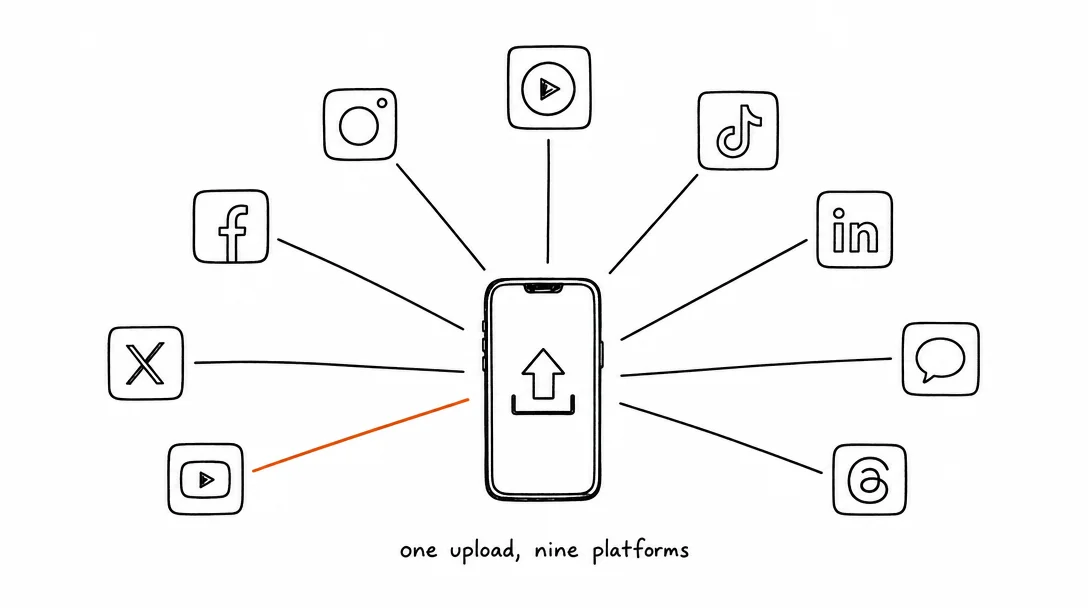
Apr 26, 2026 · 10 min read
How to Post to 9 Platforms at Once
Stop logging in 9 times. Schedule everything, Instagram, TikTok, YouTube, LinkedIn, and more, from one place.
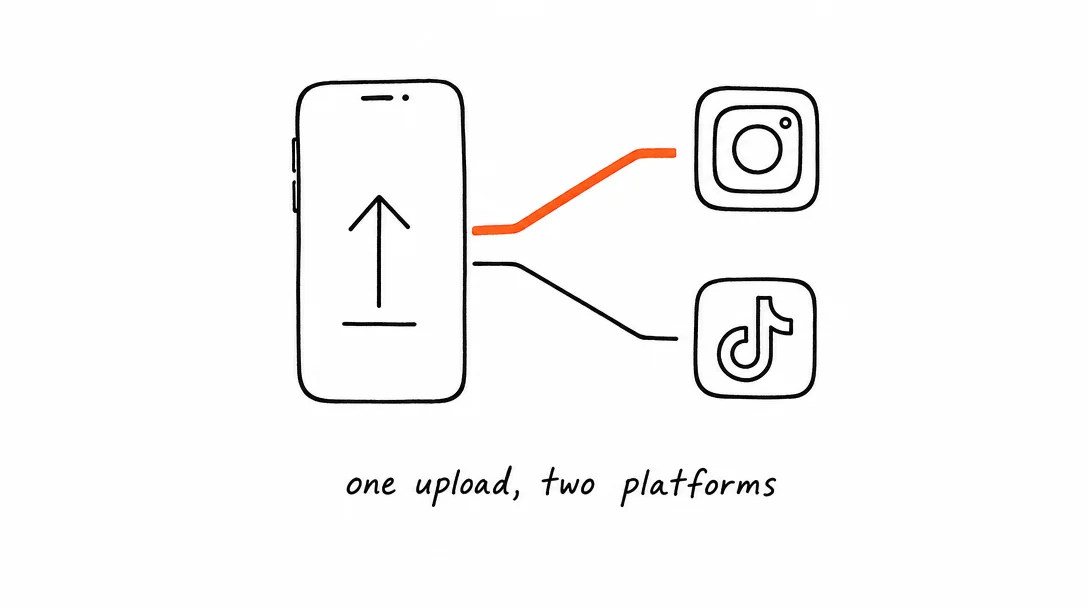
Apr 26, 2026 · 7 min read
How to Post to Instagram and TikTok at Once
Upload once and publish to both Instagram and TikTok simultaneously. No double-uploading, no app switching.
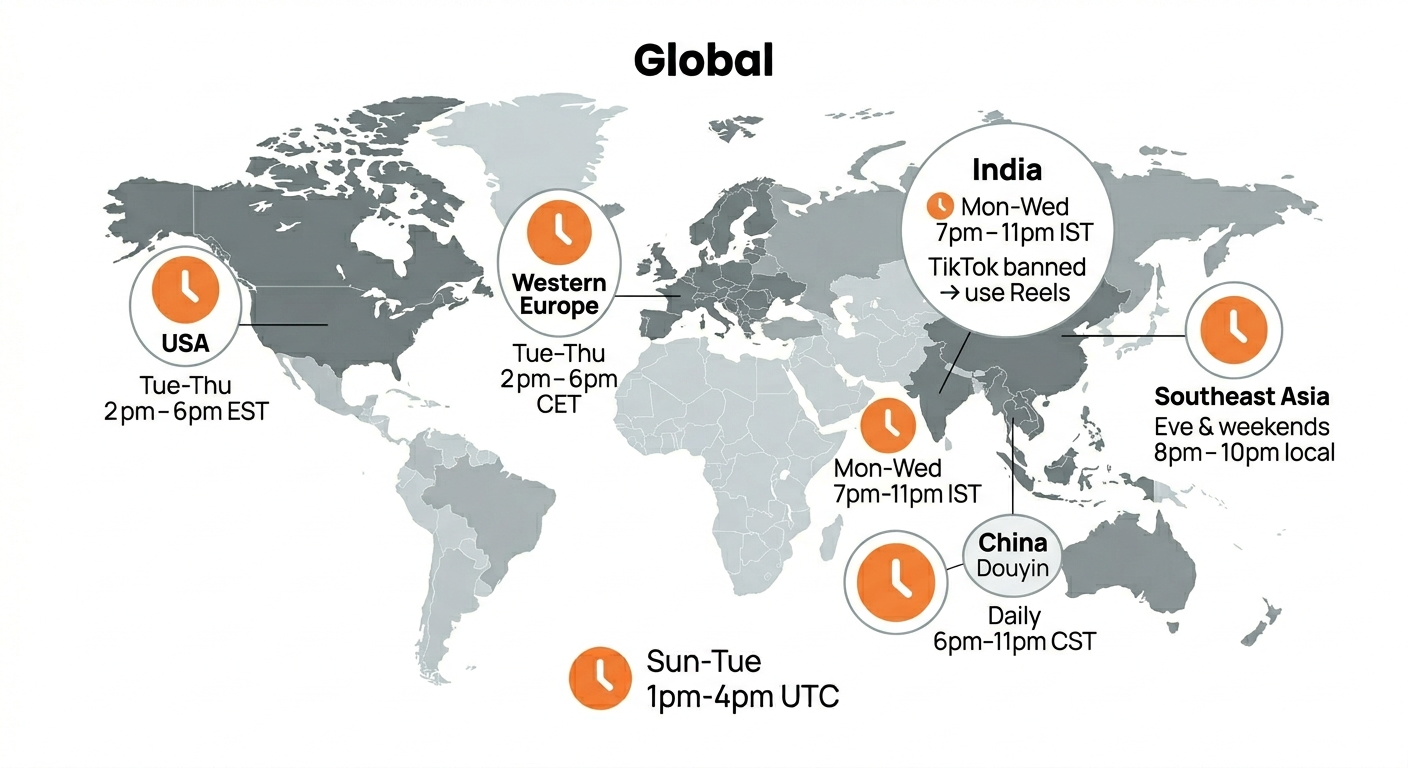
May 19, 2026 · 8 min read
Best Time to Post on TikTok in 2026 (By Region)
Data from 2 billion TikTok engagements. Best posting times broken down by region, USA, Europe, Southeast Asia, and global audiences.
Your brand. One platform. Always on
Create, edit, and post from a single studio.
Start for freeXroad generates content at the right Instagram dimensions automatically.