LinkedIn Video and Image Sizes 2026
LinkedIn video format requirements for 2026: video dimensions, image sizes, and file limits for posts and company pages. Updated monthly.

LinkedIn Video Post Specs
LinkedIn video plays natively in the feed. Square or portrait formats outperform landscape because they take up more screen space while scrolling.
| Setting | Value |
|---|---|
| Aspect ratios | 1:1 square (recommended), 4:5 portrait, 16:9 landscape, 9:16 vertical |
| Resolution | Min 256×144px, max 4096×2304px; recommended 1080×1080px (1:1) or 1920×1080px (16:9) |
| Video length | 3 seconds – 15 minutes |
| File format | MP4 (recommended), MOV, AVI, WMV, FLV |
| Video codec | H.264 |
| Audio codec | AAC or MP3 |
| Frame rate | 10–60fps; 30fps recommended |
| Max file size | 5GB |
| Captions | SRT file upload supported, strongly recommended (85% of LinkedIn video is watched muted) |
LinkedIn Image Post Specs
Image posts on LinkedIn. 1:1 and 4:5 images take up more feed space than landscape, use portrait or square for better visibility.
| Setting | Value |
|---|---|
| Recommended size | 1200×627px (1.91:1), safe for desktop and mobile |
| Square | 1080×1080px, displays well on both devices |
| Portrait | 1080×1350px (4:5), maximum feed real estate |
| File format | JPEG or PNG |
| Max file size | 5MB |
| Max images per post | 9 images in a multi-image post |
LinkedIn Company Page and Profile Image Specs
| Setting | Value |
|---|---|
| Company logo | 300×300px minimum, square, JPEG or PNG |
| Company cover | 1128×191px, JPEG or PNG, max 8MB |
| Personal profile photo | 400×400px recommended, circular crop applied |
| Personal banner | 1584×396px recommended |
| Article cover image | 744×400px recommended |
LinkedIn Native Video vs YouTube Link: Which Gets More Reach?
This is one of the most common questions about LinkedIn video format: should you upload the video directly to LinkedIn, or post a YouTube link in your post? The answer matters because the two approaches get very different distribution.
Native video consistently outperforms YouTube links on LinkedIn. LinkedIn's algorithm reduces the reach of posts that send users away from the platform. A YouTube link in a post gets roughly 50-70% less distribution than the same content uploaded natively. LinkedIn has confirmed this directly in their guidance for creators.
When to use native video: Any content you want maximum people to see. Thought leadership, company updates, product launches, educational content. Follow the LinkedIn video format requirements: H.264, 1:1 or 4:5 aspect ratio, captions uploaded as SRT.
When to use a YouTube link: When your goal is YouTube watch time and subscriber growth rather than LinkedIn reach. Post the YouTube URL in the first comment (not the post text) to slightly reduce the reach penalty. This is common for long-form tutorials where YouTube monetization and search traffic are the primary goals.
The practical approach for most creators: upload short-form content (under 3 minutes) natively to LinkedIn following the LinkedIn video format requirements, and link to longer content on YouTube from the comments. Both platforms benefit.
LinkedIn vs Other Platforms: B2B Content Spec Differences
LinkedIn's audience context is fundamentally different from consumer platforms, and this affects which aspect ratios and formats perform best, beyond just meeting the technical LinkedIn video format requirements.
Desktop-first browsing: LinkedIn is the only major platform where a significant portion of users (roughly 40-50%) are on desktop. TikTok and Instagram are almost entirely mobile. This means 9:16 vertical video, which fills a mobile screen, performs less predictably on LinkedIn. On a 1920x1080 desktop monitor, a 9:16 video plays in a small centered window. 1:1 square gives you 6x more screen real estate on desktop.
Silent viewing: As noted, 85% of LinkedIn video plays muted. This is far higher than TikTok (40% muted) or YouTube. Every LinkedIn video needs visual captions or text overlays, the content has to communicate without audio.
Professional context: LinkedIn users scroll between meetings, in offices, on public transport. Short, punchy videos (60-90 seconds) outperform long tutorials. The 15-minute maximum is technically supported but rarely the right choice for organic content.
File size: LinkedIn's 5GB video limit is more generous than TikTok (287MB) or Instagram (1GB). This allows higher-quality uploads without file size management, especially useful for polished company videos where visual quality matters.
Why Captions Are Non-Negotiable on LinkedIn
LinkedIn research shows 85% of LinkedIn video is watched without sound. Unlike TikTok or Instagram Reels, LinkedIn is often browsed in a workplace context, open offices, meetings, commutes. If your video only delivers value through audio, you lose 85% of your potential audience.
LinkedIn supports SRT caption file uploads directly. Add captions to every video. Beyond accessibility, captions increase watch time because viewers who can't turn on audio can still follow along and choose to engage. LinkedIn's official video specs help article covers captions and supported formats in detail.
Xroad Studio generates and posts to LinkedIn at the correct dimensions automatically, so you skip the manual resize step. Upload once, post to LinkedIn and up to 8 other platforms simultaneously.
All platform specs
Instagram·TikTok·YouTube·Facebook·X (Twitter)·Pinterest·Threads·Bluesky
Once you know the specs, schedule from one content calendar, keep every post on-brand with Xroad's brand kit, or see pricing.
FAQ: LinkedIn Video and Image Specs
1:1 square or 4:5 portrait. Square video takes up more feed real estate than 16:9 landscape, which means more surface area to catch attention while scrolling. LinkedIn is a feed-based platform, bigger presence in the feed drives higher engagement.
Related Guides
Apr 26, 2026 · 10 min read
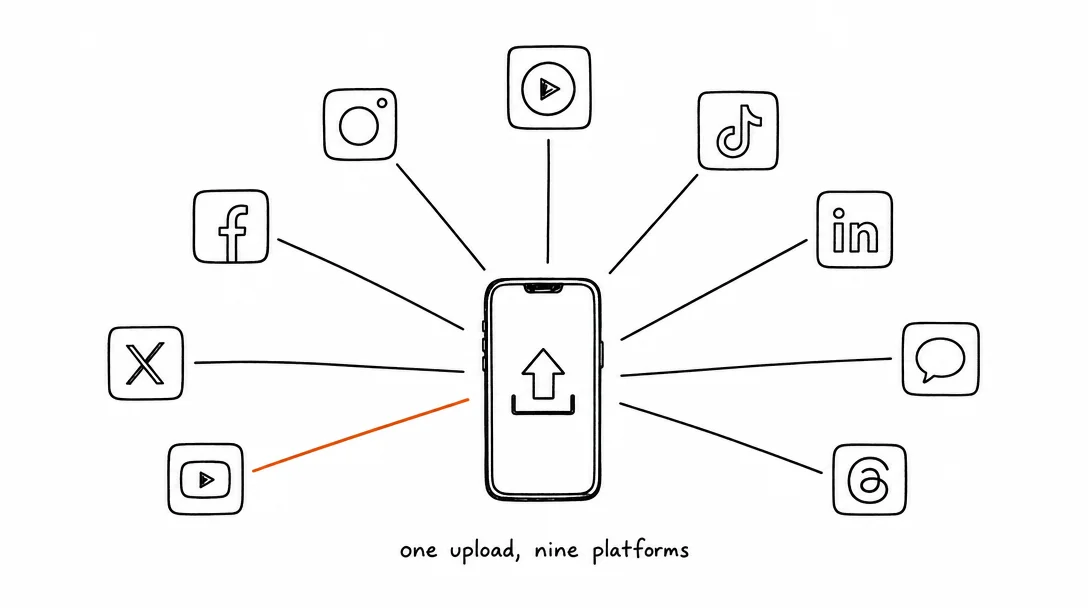
How to Post to 9 Platforms at Once
Stop logging in 9 times. Schedule everything, Instagram, TikTok, YouTube, LinkedIn, and more, from one place.
Apr 26, 2026 · 7 min read
How to Post to Instagram and TikTok at Once
Upload once and publish to both Instagram and TikTok simultaneously. No double-uploading, no app switching.
May 19, 2026 · 8 min read
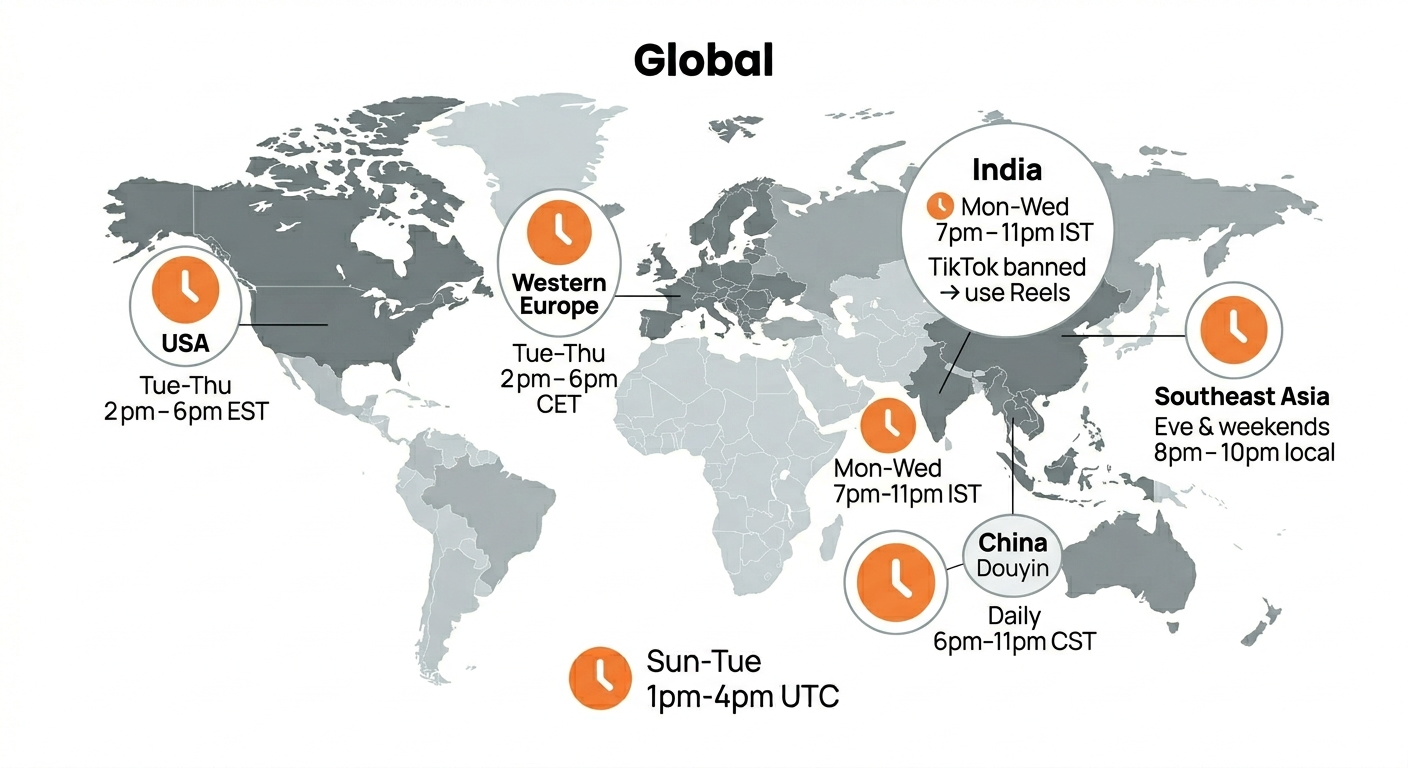
Best Time to Post on TikTok in 2026 (By Region)
Data from 2 billion TikTok engagements. Best posting times broken down by region, USA, Europe, Southeast Asia, and global audiences.
Your brand. One platform. Always on
Create, edit, and post from a single studio.
Start for freeXroad auto-posts to LinkedIn at the right dimensions with one click.