The Content Creator's Guide to Repurposing One Video Into 9 Platform-Native Posts
You film one video. It's good, worth more than one post. But turning it into content for 9 platforms feels like starting over 9 times: different aspect ratios, different lengths.
Overview
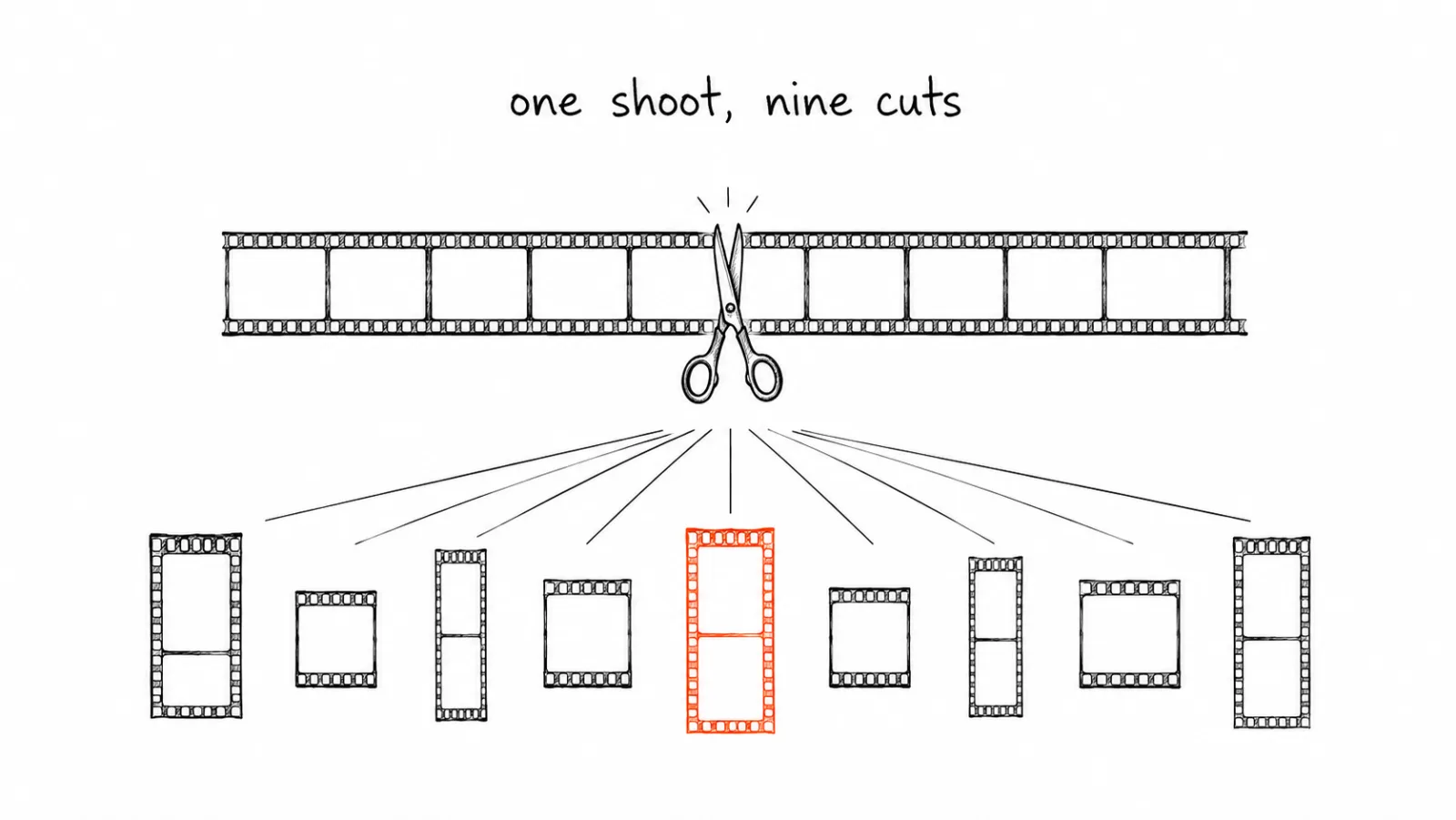
Repurposing done well isn't about resizing the same clip 9 times. It's a structured process that treats one piece of raw footage as a source for platform-native variations, not platform-identical copies.
Why Straight Resizing Doesn't Work
A horizontal YouTube video cropped into a vertical TikTok frame usually loses the subject, cuts off text, or leaves awkward empty space. Each platform has different aspect ratio expectations, 9:16 vertical dominates TikTok, Reels, and Shorts, while X and LinkedIn still favor horizontal or square, different ideal lengths, and different audience expectations for pacing and polish. Treating repurposing as a resize job produces content that technically fits but doesn't perform.
The Repurposing Framework
Start with the longest, richest version. A 10-15 minute YouTube video or podcast episode contains more raw material than a single TikTok. Extract from long-form down to short-form, not the reverse. You can always cut down, you can't easily expand.
Identify 3-5 standalone moments. Look for self-contained clips that make sense without the surrounding context: a strong hook, a specific tip, a surprising stat, a punchy quote. Each becomes a separate short-form piece rather than one video chopped at arbitrary intervals.
Match pacing to platform norms. TikTok and Reels reward fast hooks in the first 1-2 seconds. LinkedIn video performs better with a more measured, professional pace. Same source clip, different edit rhythm.
Write platform-specific captions, not one caption everywhere. Instagram captions can run long and tell a story. X captions need to be punchy within 280 characters. LinkedIn captions work best with a professional, conversational tone. Reusing one caption everywhere wastes the platform-specific performance boost a tailored caption provides.
Common Mistakes in Repurposing
Cutting clips at arbitrary time marks instead of narrative beats. A clip that cuts off mid-sentence or mid-thought underperforms even if the length is technically correct for the platform.
Ignoring captions and subtitles. A large percentage of social video is watched without sound. Text overlays and burned-in captions are not optional for repurposed short-form content, they're required for it to perform.
Reusing the same thumbnail or cover frame everywhere. What works as a YouTube thumbnail rarely works as a TikTok cover frame. Each platform has different visual conventions for what makes someone stop scrolling.
Posting all 9 versions at once instead of staggering them. Simultaneous posting across all platforms from the same source video can look automated in a way that hurts perceived authenticity. Staggering by a day or two per platform tends to perform better and feels more native.
Not tracking which repurposed format performs best. Without checking platform-specific analytics, creators keep repurposing into formats that never actually perform for their audience, wasting the effort spent adapting them.
Platform-by-Platform Adaptation Details
| Platform | Ideal length | Aspect ratio | Caption style |
|---|---|---|---|
| TikTok | 15s-3min | 9:16 vertical | Short, hook-first |
| Instagram Reels | 15-90s | 9:16 vertical | Storytelling, up to 2,200 chars |
| YouTube Shorts | 15-60s | 9:16 vertical | Short, descriptive |
| 30s-2min | Square or vertical | Professional, conversational | |
| X | Up to 2min20s | Square or horizontal | Punchy, under 280 chars |
| 15s-3min | Square or vertical | Conversational, moderate length | |
| 15-60s | 2:3 vertical | Descriptive, keyword-rich | |
| Threads | Up to 5min | Square or vertical | Casual, short |
| Bluesky | Short clips | Square or vertical | Casual, brief |
Implementation Roadmap
- Film or record with repurposing in mind. Shoot in a format that allows both horizontal and vertical crops without losing the subject.
- Extract 3-5 standalone moments from the long-form source. Prioritize self-contained hooks, tips, or stats over arbitrary time-based cuts.
- Edit each clip for its target platform's pacing. Fast hook for TikTok and Reels, measured pace for LinkedIn, don't reuse one edit everywhere.
- Add burned-in captions to every short-form clip. This is not optional for performance, especially on sound-off platforms.
- Write a unique caption per platform. Match length and tone to platform norms rather than copy-pasting one caption everywhere.
- Stagger publishing across a few days rather than posting all 9 at once.
What Not to Automate
Don't auto-generate captions from a transcript without a human pass, transcription errors and awkward phrasing make it into publish-ready captions more often than expected. Automate the clipping and formatting. Keep the final caption and hook wording human-reviewed.
What Doesn't Repurpose, and When to Skip It
Not every clip deserves nine versions, and forcing one through the process wastes the time the system was meant to save. Before you cut anything, check the source video against the cases below. Deciding not to repurpose is a faster win than editing something that was never going to work off its original platform.
Clips that depend on what came before them. A moment that only makes sense after ten minutes of setup will not survive as a standalone short. If you cannot explain the clip in one sentence to someone who has not seen the full video, either add a spoken or on-screen line of context at the front or leave it in the long-form cut.
Anything tied to a date or a live moment. A reaction to news, a launch-day announcement, or a "we're live in ten minutes" clip loses its meaning the moment you stagger publishing across several days. Either post those everywhere on the same day and accept the automated feel, or keep them on the one platform where the timing matters.
Footage where you don't control the rights. Guest appearances, client work, licensed music, and footage shot in someone else's space often come with permission for one platform and one use. Confirm what you are allowed to reuse before it becomes nine posts, because taking a clip down after it has been reposted is much harder than never publishing it.
Content that leans on platform-specific features. A clip built around a trending sound, a native effect, or an on-platform format usually reads as an out-of-place copy elsewhere. Repurpose the underlying idea and re-shoot the execution, rather than exporting the finished version and pushing it out everywhere.
Anything with audio or visual quality problems. Compression stacks up. A clip that already looks soft or sounds muffled in the source gets worse after re-encoding and cropping, and the platforms where your audience is most critical are the ones that will show it first.
Watch for audience overlap before you post the same idea nine times. If most of your following sits on two platforms, the same three clips across all nine feeds mostly reaches the same people repeatedly. Check where your engaged audience actually is, commit to those platforms properly, and treat the rest as low-effort distribution rather than places that deserve a custom edit. Two well-adapted versions beat nine rushed ones, and the two take an evening rather than a weekend.
Where to Start
Repurposing well means treating one video as raw material for nine different edits, not one edit resized nine times. See how a content calendar handles staggered multi-platform publishing, or check the brand kit for consistent styling across every cut.
FAQ: The Content Creator's Guide to Repurposing One Video Into 9 Platform-Native Posts
Not every video needs all 9. Match the content to the platforms where your actual audience is active, spreading effort across platforms with no audience wastes the repurposing effort.
Related Guides
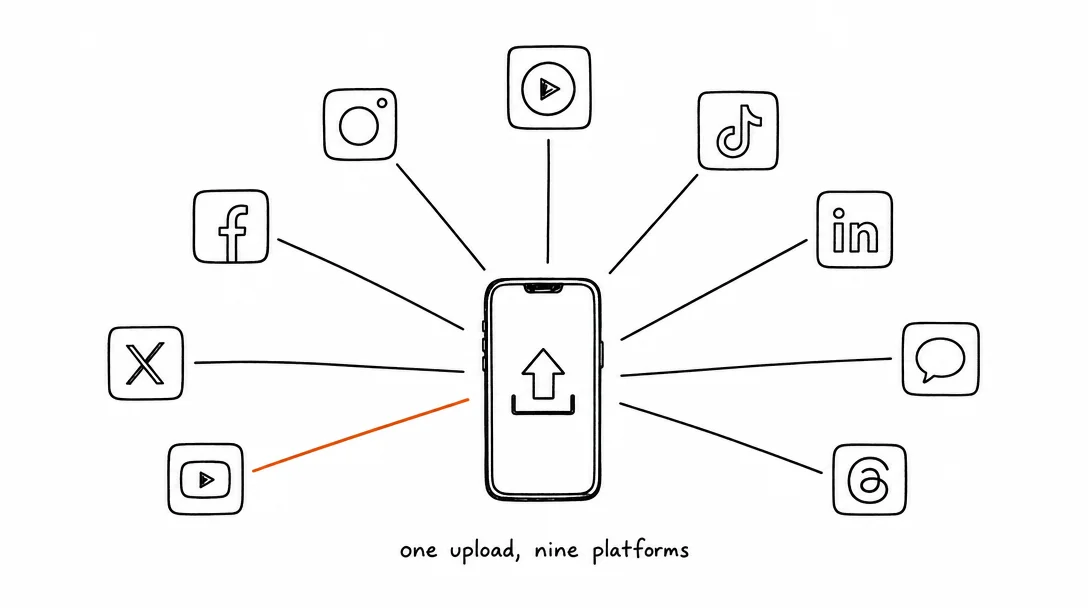
Apr 26, 2026 · 10 min read
How to Post to 9 Platforms at Once
Stop logging in 9 times. Schedule everything, Instagram, TikTok, YouTube, LinkedIn, and more, from one place.
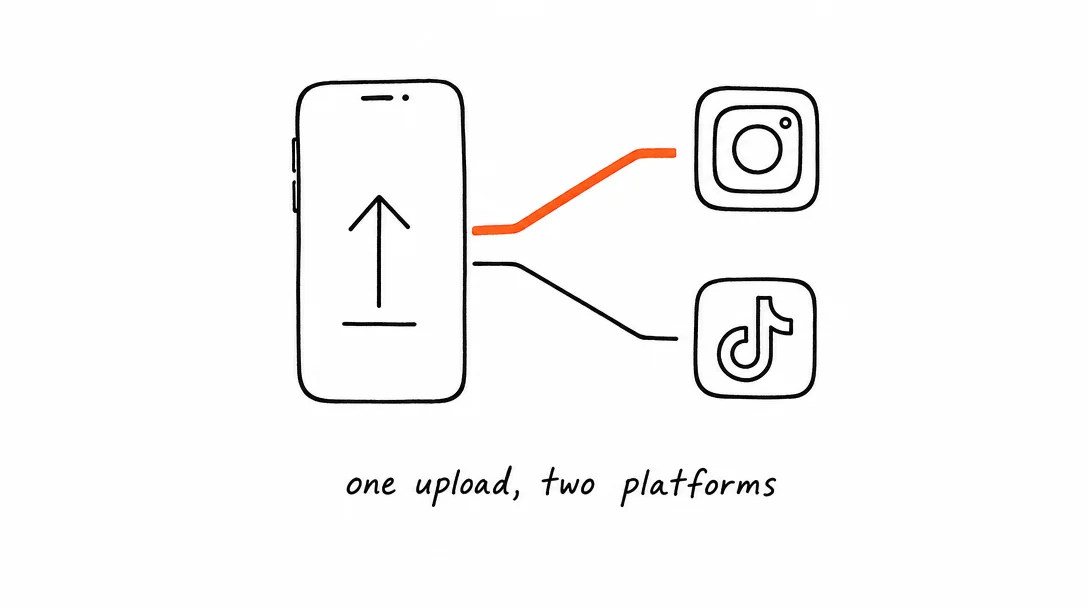
Apr 26, 2026 · 7 min read
How to Post to Instagram and TikTok at Once
Upload once and publish to both Instagram and TikTok simultaneously. No double-uploading, no app switching.
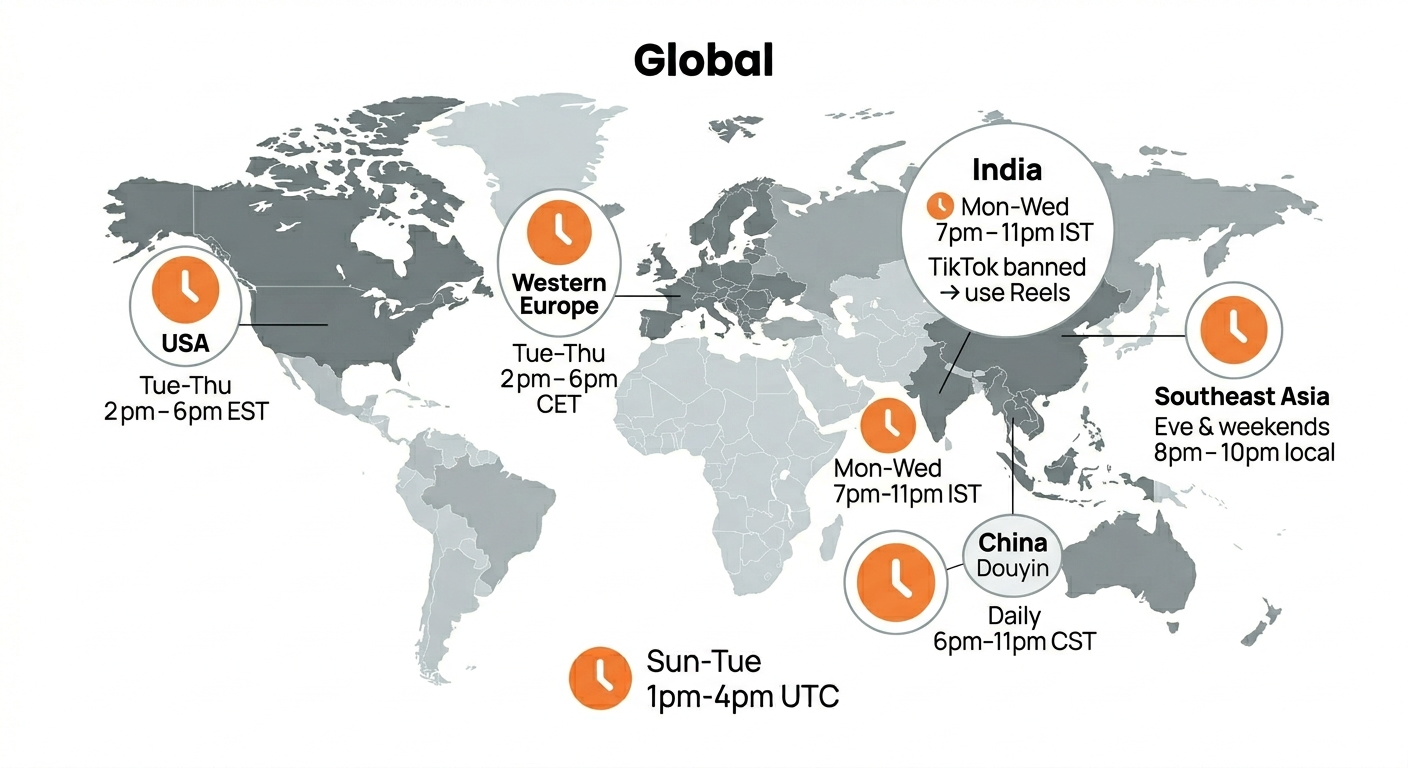
May 19, 2026 · 8 min read
Best Time to Post on TikTok in 2026 (By Region)
Data from 2 billion TikTok engagements. Best posting times broken down by region, USA, Europe, Southeast Asia, and global audiences.
Your brand. One platform. Always on
Create, edit, and post from a single studio.
Start for freeSchedule every platform from one place, automatically.