How to Post to Instagram and TikTok at Once
Upload once. Both platforms publish. Zero double-uploading.
Why Instagram and TikTok Together Make Sense
Instagram Reels and TikTok videos use the same format: 9:16 vertical video. Your best Reel can absolutely perform well on TikTok. The problem is that both platforms are separate accounts with separate upload processes. You create a Reel, it gets traction on Instagram, and then you have to upload it again to TikTok to reach a completely different audience.
The two platforms have very different audiences and algorithms, but the underlying video format is identical. A 30-second Reel that hooks viewers on Instagram will hook viewers on TikTok the same way. The difference is your audience pool doubles. Instagram's creators plus TikTok's creators.
Instead of uploading once to Instagram and hoping it's good enough, you can upload once and reach both audiences. Your Instagram followers see it. TikTok's algorithm sees it. If it's good content, both platforms reward it.
The Manual Way (And Why It's Painful)
Right now, if you want the same video on both Instagram and TikTok, you:
- Upload your video to Instagram
- Open TikTok separately
- Upload the same video again
- Write a new caption for TikTok's audience
- Schedule separately on each platform
- Repeat for every post
If you post 3 times per week, that's 15–30 minutes of duplicate work. For creators posting daily, it adds up fast. The real problem isn't just the time. It's the friction. Two apps, two uploads, two caption sessions, two separate scheduling workflows. Over weeks and months, this compounding friction is exactly why creators burn out or stop posting consistently.
Benefits and Tradeoffs of Cross-Platform Posting
Auto-posting to both platforms saves time and reduces friction, but it's not a magic bullet. Here's what you get and what you give up:
Benefit: Reach two separate audiences with one upload. Instagram has 2B+ users; TikTok has 1.5B+. They overlap, but most people follow different creators on each platform. One good video reaches 3–4x more potential viewers when posted to both. Tradeoff: Each platform rewards slightly different content. Instagram Reels prioritize watch time and saves; TikTok prioritizes completion and engagement. A video that performs great on Instagram might underperform on TikTok if the caption or hook doesn't match the platform's culture.
Benefit: Batch-create and schedule weeks of content at once. Create 10 videos Sunday, schedule them across two weeks on both platforms, and you're done. Zero daily uploads. Tradeoff: You lose the ability to react to trending audio or current events in real-time. If a sound goes viral on TikTok Monday morning, you can't quickly create and post a video using it because everything's pre-scheduled.
Benefit: Consistency becomes easier. You're less likely to miss posting days because uploads are automated. Tradeoff: Consistency without optimization can hurt performance. If your captions are identical on both platforms, TikTok users might feel like they're seeing Instagram content rather than native TikTok content, and the algorithm notices.
Common Mistakes When Auto-Posting to Both Platforms
Creators often use auto-posting but don't optimize for platform differences. Here's what goes wrong:
- Using identical captions on both platforms. Instagram captions are storytelling. They can be 2,000+ characters with 15–30 hashtags. TikTok captions should hook the user immediately, then get out of the way (max 150 chars visible). When you post the same 2,000-character caption to TikTok, it looks spammy and dilutes the video's impact.
- Scheduling too far in advance without checking performance. You schedule 30 days of content on Monday, but on Wednesday you see one video got 10x engagement on Instagram. That tells you what your audience wants. If everything's locked in a scheduler, you can't capitalize on that insight for the rest of the week.
- Ignoring platform-specific features like trending sounds. TikTok's algorithm heavily rewards videos that use trending sounds. Instagram Reels don't care as much. If you schedule a TikTok video without a trending sound, it starts with a handicap. Meanwhile, Instagram doesn't penalize you.
- Posting watermarked videos from other platforms. Instagram and TikTok both natively watermark videos. If you download a TikTok video with the TikTok watermark and re-post it to Instagram, Instagram's algorithm deprioritizes it. Don't cross-post videos that came from other platforms. Only post originals.
- Never checking analytics or adjusting posting times. You schedule posts for 9am every day, but your audience might be most active at 7pm. Auto-posting is convenient, but if you set it and forget it, you're leaving engagement on the table.
How to Post to Both Platforms at Once
Xroad Studio connects to both Instagram and TikTok. Instead of uploading to each platform separately, you upload once and both platforms get the post simultaneously:
- Connect your Instagram and TikTok accounts to Xroad Studio
- Upload your video once
- Select both Instagram and TikTok as destinations
- Write one caption. Lead with a strong hook since TikTok only shows ~150 characters before the cut-off
- Pick your publishing time and schedule
Both platforms publish simultaneously. One upload, zero app switching, no duplicate work. The caption goes to both platforms. Make the first 150 characters count. If it hooks on TikTok, it works on Instagram too. That's the fastest, lowest-friction path to consistent posting on both platforms.
What to Optimize for Each Platform
Instagram Reels
Format: 9:16 vertical, 15–90 seconds (longer is fine, but shorter gets better completion). Hook timing: First 0.5 seconds. If viewers don't see something interesting in the first half-second, they swipe. Algorithm priority: Watch time and saves (people bookmarking your video). Caption style: Conversational storytelling. 2,000+ characters. Include 15–30 hashtags relevant to your niche (Instagram allows 30 per post). Include a call-to-action: "What would you do?" or "Save this for later" or "Tag someone who needs to see this."
TikTok
Format: 9:16 vertical, 15 seconds to 10 minutes (but 15–60s gets the best completion rate). Hook timing: First 1–2 seconds. TikTok's algorithm gives every video a fair shot. It doesn't matter if you have 0 followers or 1M. But you have to hook viewers immediately or they swipe. Algorithm priority: Completion rate, engagement (likes, comments, shares), and watch time in that order. TikTok doesn't care about followers. Caption style: Short and punchy. Only the first ~150 characters are visible before the "...more" cutoff. Make those 150 count. Use trending sounds if relevant to your niche (this boosts performance). The video itself should drive engagement; the caption is secondary.
The Real Benefit: Growth on Two Fronts
When you post to both platforms, you're not splitting your audience. You're accessing two separate audiences. An Instagram follower is unlikely to be a TikTok follower. Even if they are, they see your content on both platforms, which reinforces the message and increases the chance they engage.
More importantly, both platforms are algorithmic. TikTok especially gives new creators a real shot. A creator with zero followers can go viral if the content is good. When you post to TikTok, you're not relying on your Instagram followers to push the video; you're relying on TikTok's algorithm to show it to random people interested in your content type.
Posting to both platforms means you get two chances to go viral, two separate algorithm boosts, and two growing audiences. You're leveraging the strengths of both platforms instead of choosing between them.
How Often Should You Post?
Instagram rewards consistency. Post Reels 3–5 times per week for best algorithmic reach. TikTok also rewards consistency, with creators posting 1–3 times daily seeing the best growth. If you're not sure how often to post, start with 3–5 times per week on both platforms and adjust based on your analytics.
When you automate the posting, you can batch-create content once a week and schedule it out. Create 5 videos on Sunday, schedule them across the week on both platforms, and you've removed the daily friction of uploading. You save time and stay consistent.
What NOT to Automate: Compliance and Engagement
Automating posting is safe, but automating engagement can damage your account. Here's what you should never automate:
- Replies and comments. Never auto-reply to comments without human review. An automated response can sound robotic and hurt trust. Instagram and TikTok users can tell when they're talking to a bot, and it feels inauthentic.
- Auto-follows and auto-likes. Both platforms explicitly prohibit this. Instagram and TikTok use bot-detection systems that flag accounts doing automated engagement. Your account can be restricted or banned.
- Auto-DMing. Sending unsolicited DMs at scale violates platform ToS and can get you shadowbanned (your posts don't show up in feeds or search).
Posting is fine. Engagement requires human touch. Respond to comments manually, or at least review automated responses before they go out.
Keep Every Post On-Brand While You Automate
Automating posting only works if every post still looks like you made it. Xroad's brand kit applies your colors, fonts, and tone to every post automatically, and the content calendar shows everything scheduled across both platforms in one place. See how Xroad compares to Buffer and Hootsuite, or check how to post to all 9 platforms at once and the best time to post on TikTok.
FAQ: Instagram to TikTok Automation
Yes. Both platforms allow cross-posting. TikTok favors videos natively uploaded to the platform over links, so uploading directly (not linking to Instagram) gives better reach. If you own the content, there's no copyright issue.
Related Guides
Apr 26, 2026 · 10 min read
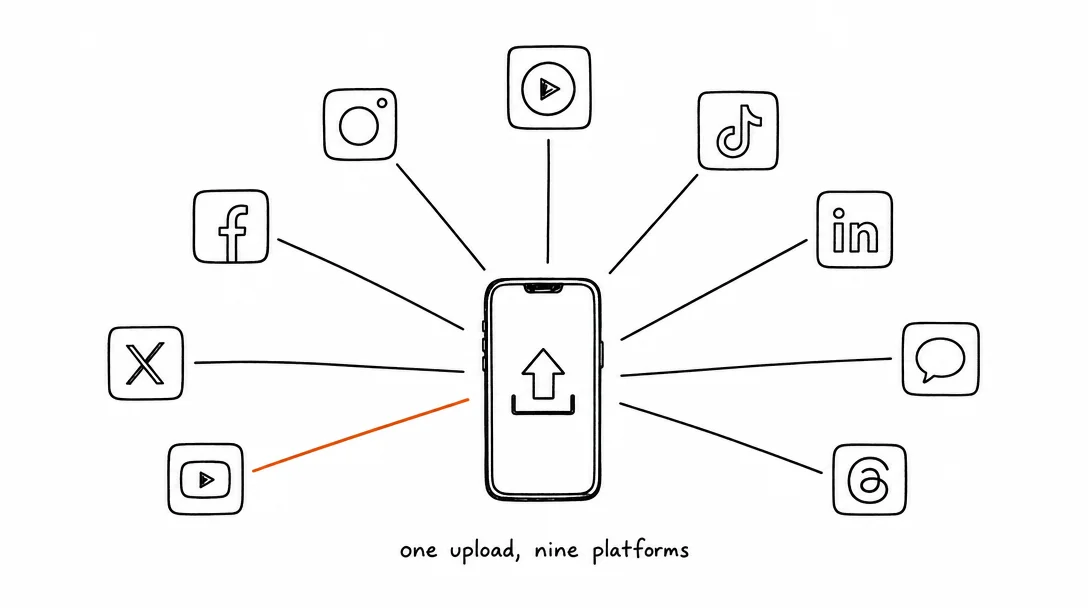
How to Post to 9 Platforms at Once
Stop logging in 9 times. Schedule everything, Instagram, TikTok, YouTube, LinkedIn, and more, from one place.
May 19, 2026 · 8 min read
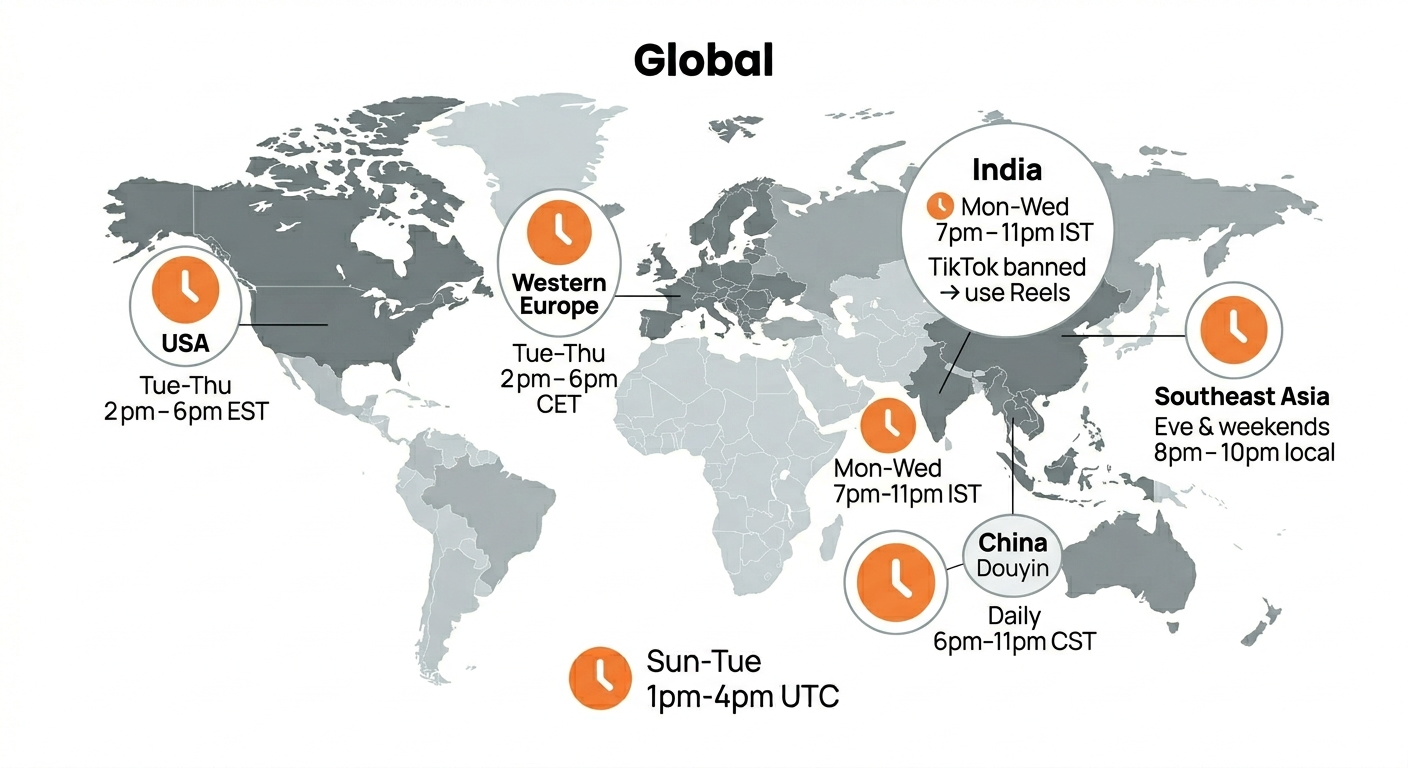
Best Time to Post on TikTok in 2026 (By Region)
Data from 2 billion TikTok engagements. Best posting times broken down by region, USA, Europe, Southeast Asia, and global audiences.
Sep 8, 2026 · 8 min read
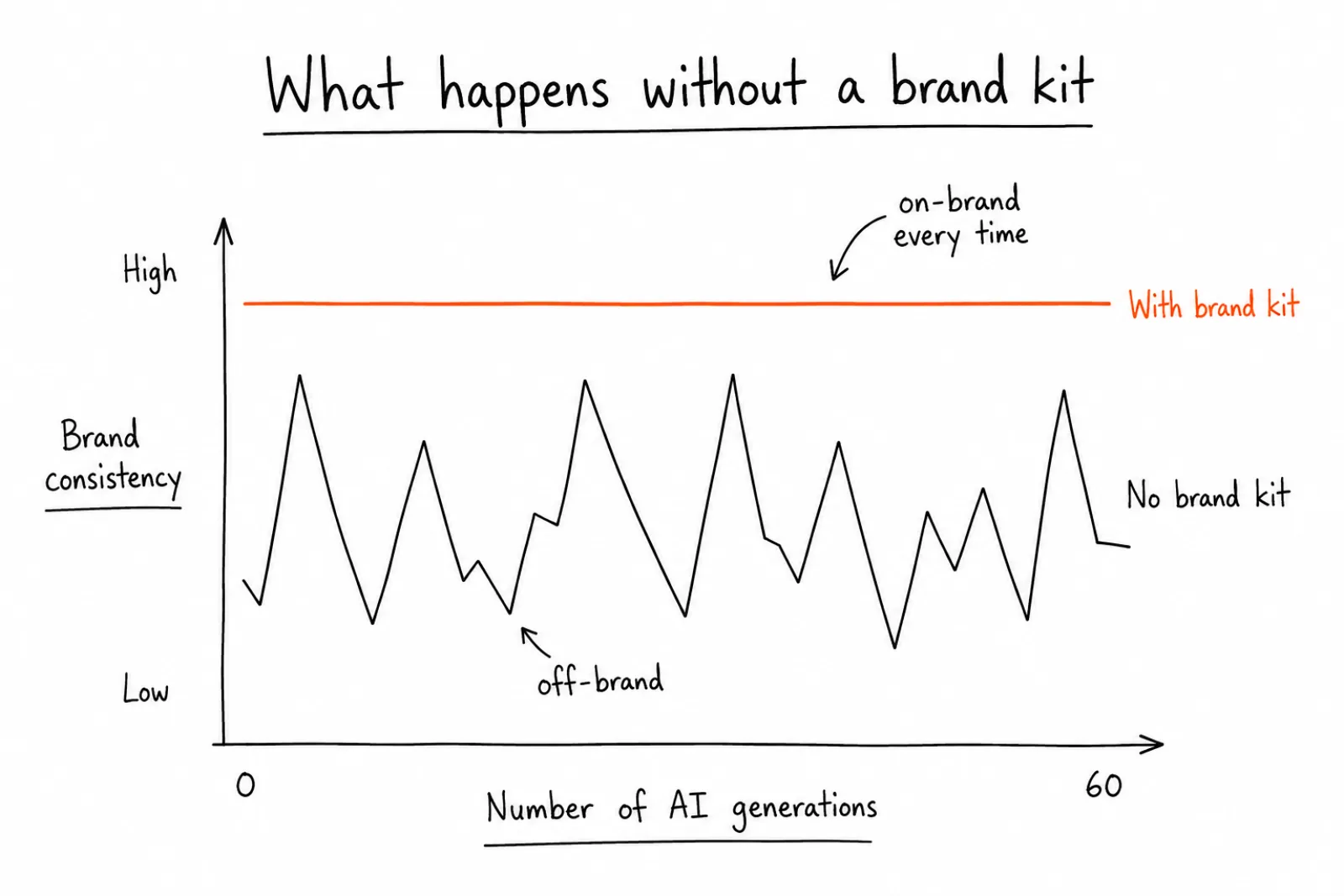
How to Build a Brand Kit That Keeps Every AI-Generated Post On-Brand
A brand kit is the fix. It's a structured set of rules, colors, fonts, tone, logo placement, that an AI tool reads before it generates anything.
Your brand. One platform. Always on
Create, edit, and post from a single studio.
Start for freeUpload once. Xroad posts to Instagram and TikTok simultaneously.