The Real Cost of Manual Social Media Posting (And What It's Costing Your Business)
You post three times a week. Each post takes maybe 20 minutes if nothing goes wrong: pick the image, resize it for the platform, write the caption, double check the brand colors, schedule it.
Overview
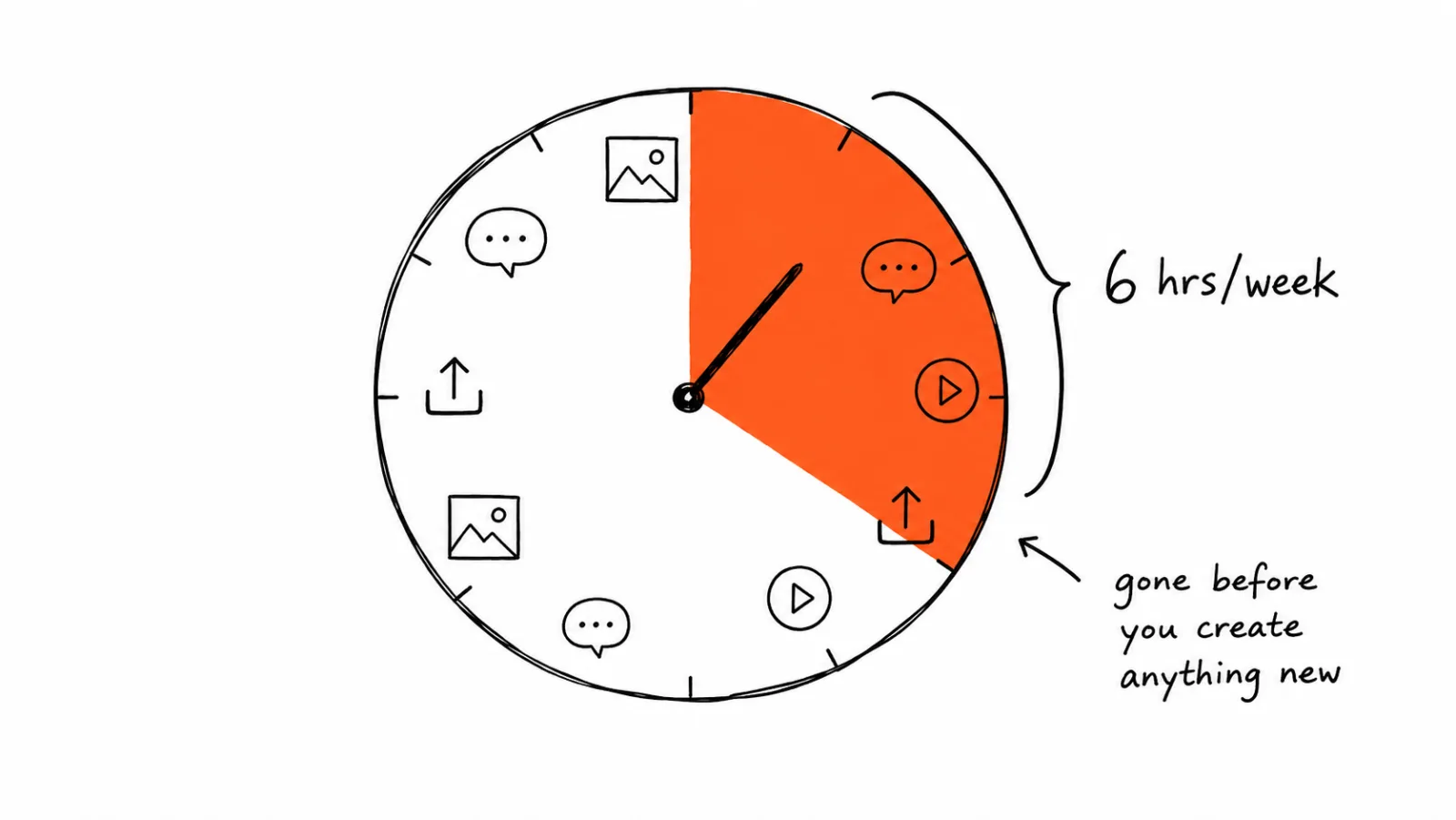
That's the real cost of manual posting. Not the time to write one caption, but the compounding tax of doing it manually across every platform, every week, indefinitely.
What 'Manual Posting' Actually Includes
Manual posting isn't just clicking publish. It's the full chain: sourcing or creating the image, resizing it for each platform's dimensions, writing platform-specific captions, checking that colors and fonts match brand guidelines, scheduling at the right time per platform, and fixing whatever the AI tool got wrong if you're using one without brand memory. Each step is small. All of them together, repeated weekly, is where the hours go.
The Math Most Teams Never Run
Here's a rough breakdown based on typical workflows:
| Task | Time per post |
|---|---|
| Sourcing or generating an image | 5-10 min |
| Resizing for each platform | 3-5 min per platform |
| Writing platform-specific captions | 5-10 min |
| Brand QA (checking colors, fonts, tone) | 3-8 min |
| Scheduling | 2-3 min |
For a business posting 3 times a week across 4 platforms, that's roughly 15-20 minutes of core work per post, plus 3-5 minutes of resizing per additional platform. Run the numbers and most teams land between 4 and 8 hours a week, every week, on a task that produces no new revenue by itself.
Benefits and Tradeoffs of Staying Manual
You keep full creative control. Every post is exactly what you intended, no AI interpretation involved. Tradeoff: that control has a direct time cost, and it doesn't scale. Adding a platform or a client means adding hours, not automating them away.
You avoid subscription costs. Manual posting with free tools costs nothing per month. Tradeoff: the actual cost isn't the subscription, it's the hours. At even a conservative $30/hour value on your own time, 6 hours a week is $180 a week, or roughly $9,300 a year, spent on a task that a system could largely absorb.
You don't need to learn a new tool. Staying with what you know avoids a learning curve. Tradeoff: the learning curve for a brand kit setup is usually under an hour, a one-time cost against a recurring weekly cost that never goes away.
Common Mistakes That Make Manual Posting Worse
Not tracking the actual hours. Most teams estimate their posting time is lower than it actually is. Track it for one real week before deciding whether automation is worth it.
Treating every platform the same. Uploading the same image and caption everywhere without platform-specific adjustments hurts performance and doesn't even save that much time, since you still have to log into each platform separately.
Doing brand QA after generation instead of before. If you're using any AI tool without a brand kit, you're paying the correction cost every single time instead of once during setup.
Underestimating opportunity cost. The 6 hours a week spent on manual posting is time not spent on strategy, client work, or sales. For a solo founder or a small team, that's often the more expensive cost, not the time itself.
Ignoring the compounding effect of growth. Manual posting scales linearly with platforms and clients. Add a fifth platform or a third client brand, and the hours don't just add, they multiply because of context-switching between accounts.
When Manual Posting Actually Makes Sense
To be fair to the manual approach: if you're posting once a week to a single platform, the time cost is genuinely small, and automation tooling isn't worth the setup time. This calculation changes once you're managing multiple platforms, multiple client brands, or posting daily. The breakeven point for most teams is somewhere around 3+ platforms or 3+ posts per week.
What Changes With a Content System
A brand kit-driven system removes the resizing, brand-QA, and multi-platform scheduling steps by handling them automatically once your brand is set up. The remaining human task becomes reviewing output and hitting approve, not producing every asset from scratch. See how brand kit setup works and what it looks like across pricing tiers for different team sizes.
A Practical Way to Check Your Own Number
- Track one real week. Log every minute spent on content creation, resizing, caption writing, and brand checking, not just scheduling.
- Multiply by 52. That's your annual time cost at current volume.
- Assign an hourly value. Even a conservative number reveals a bigger cost than most people expect.
- Compare to a content system's price. If the annual time cost exceeds the annual subscription cost, the math favors automating it.
- Factor in growth. If you're planning to add platforms or clients, project your future hours, not just current ones.
What Not to Automate
Regardless of which system you use, don't automate engagement. Auto-replies and auto-comments read as inauthentic and can violate platform terms of service. Automate the production and scheduling pipeline. Keep the actual conversations with your audience human.
How to Tell If the Switch Actually Recovered the Time
Automating the pipeline is easy to declare and hard to verify. Most teams switch, feel faster, and never check whether the hours actually came back. They often don't, at least not at first, because time saved on resizing quietly reappears as time spent reviewing output. Run the same tracking exercise you used to find your manual number, four to six weeks after the switch, and compare like for like.
Measure the same five steps, not the total. Sourcing, resizing, captioning, brand QA, and scheduling should each drop to a different degree. Resizing and scheduling should approach zero. Brand QA should drop sharply if your brand kit is set up correctly, and stay high if it isn't, which is the clearest signal that setup was rushed rather than that automation failed.
Watch for the review step swelling. If you're spending 10 minutes editing each generated caption, the system is producing output you don't trust, and you've moved the work rather than removed it. That usually points to brand voice notes that are too vague to act on. Tightening the setup is cheaper than reverting.
Check the second-order numbers too. Three things tend to move before saved hours become obvious:
- Posts published per week. If output rose while hours stayed flat, you gained capacity rather than time. That still counts.
- Missed or skipped posting days. Consistency failures are usually the first thing a system fixes.
- Platforms covered. Adding a fourth or fifth platform without adding hours is the return that manual workflows can't match.
Give it two months before judging. The first weeks include setup, tuning, and unlearning old habits. Measure after that settles, not during.
FAQ: The Real Cost of Manual Social Media Posting (And What It's Costing Your Business)
Most teams posting 3+ times a week across multiple platforms spend 4-8 hours weekly on the full cycle: sourcing, resizing, captioning, brand QA, and scheduling.
Related Guides
Apr 26, 2026 · 10 min read
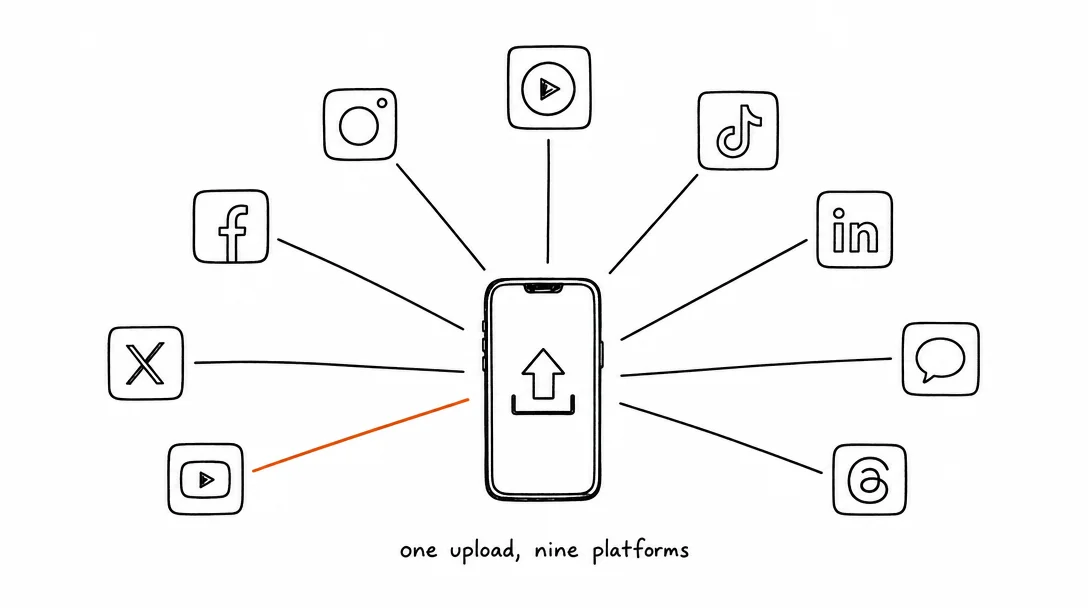
How to Post to 9 Platforms at Once
Stop logging in 9 times. Schedule everything, Instagram, TikTok, YouTube, LinkedIn, and more, from one place.
Apr 26, 2026 · 7 min read
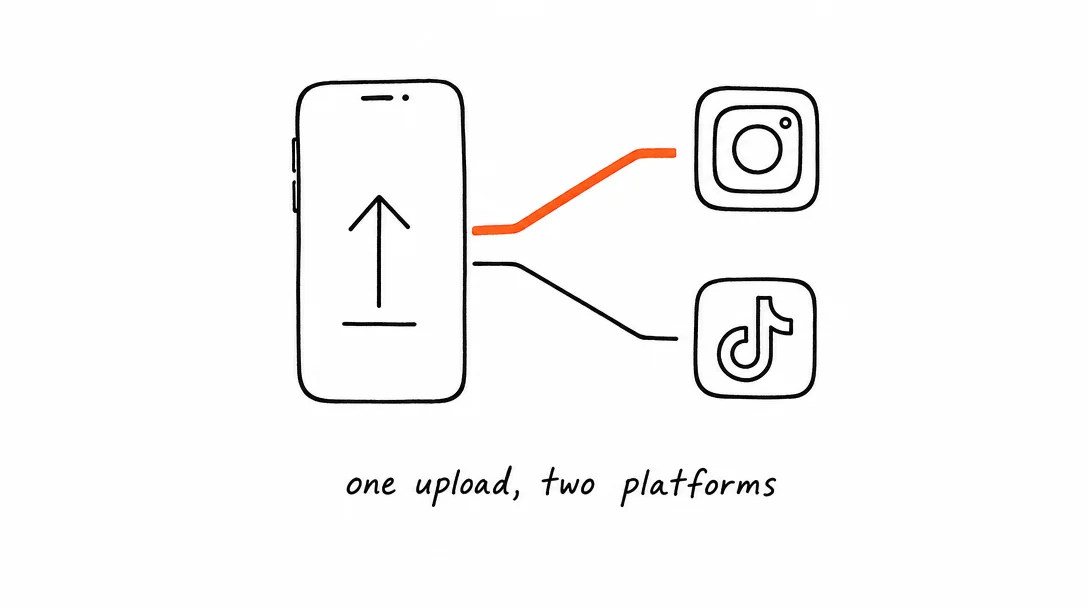
How to Post to Instagram and TikTok at Once
Upload once and publish to both Instagram and TikTok simultaneously. No double-uploading, no app switching.
May 19, 2026 · 8 min read
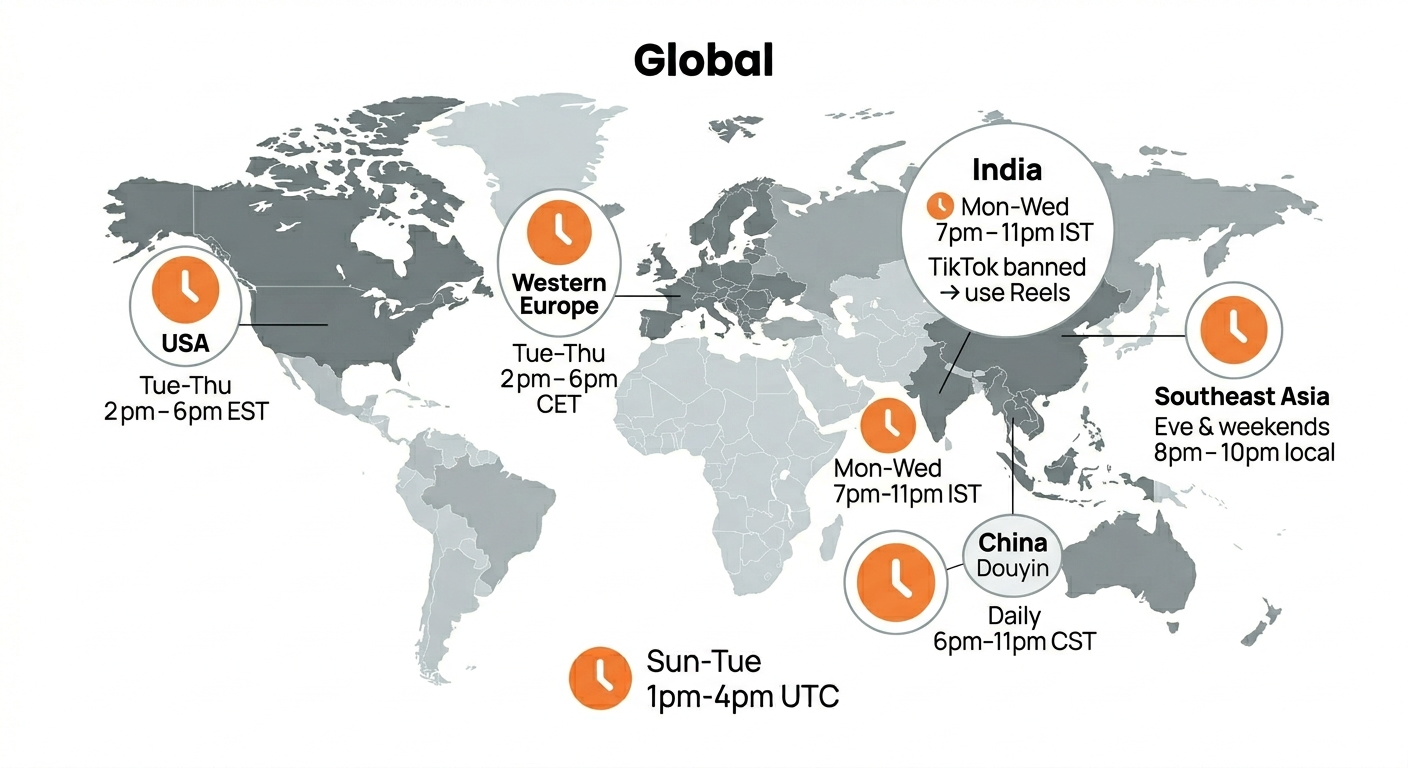
Best Time to Post on TikTok in 2026 (By Region)
Data from 2 billion TikTok engagements. Best posting times broken down by region, USA, Europe, Southeast Asia, and global audiences.
Your brand. One platform. Always on
Create, edit, and post from a single studio.
Start for freeSchedule every platform from one place, automatically.