How to Build a Brand Kit That Keeps Every AI-Generated Post On-Brand
You generate an image with an AI tool, and it's close. The composition works, the message lands, but the colors are wrong, the font doesn't match.
Overview
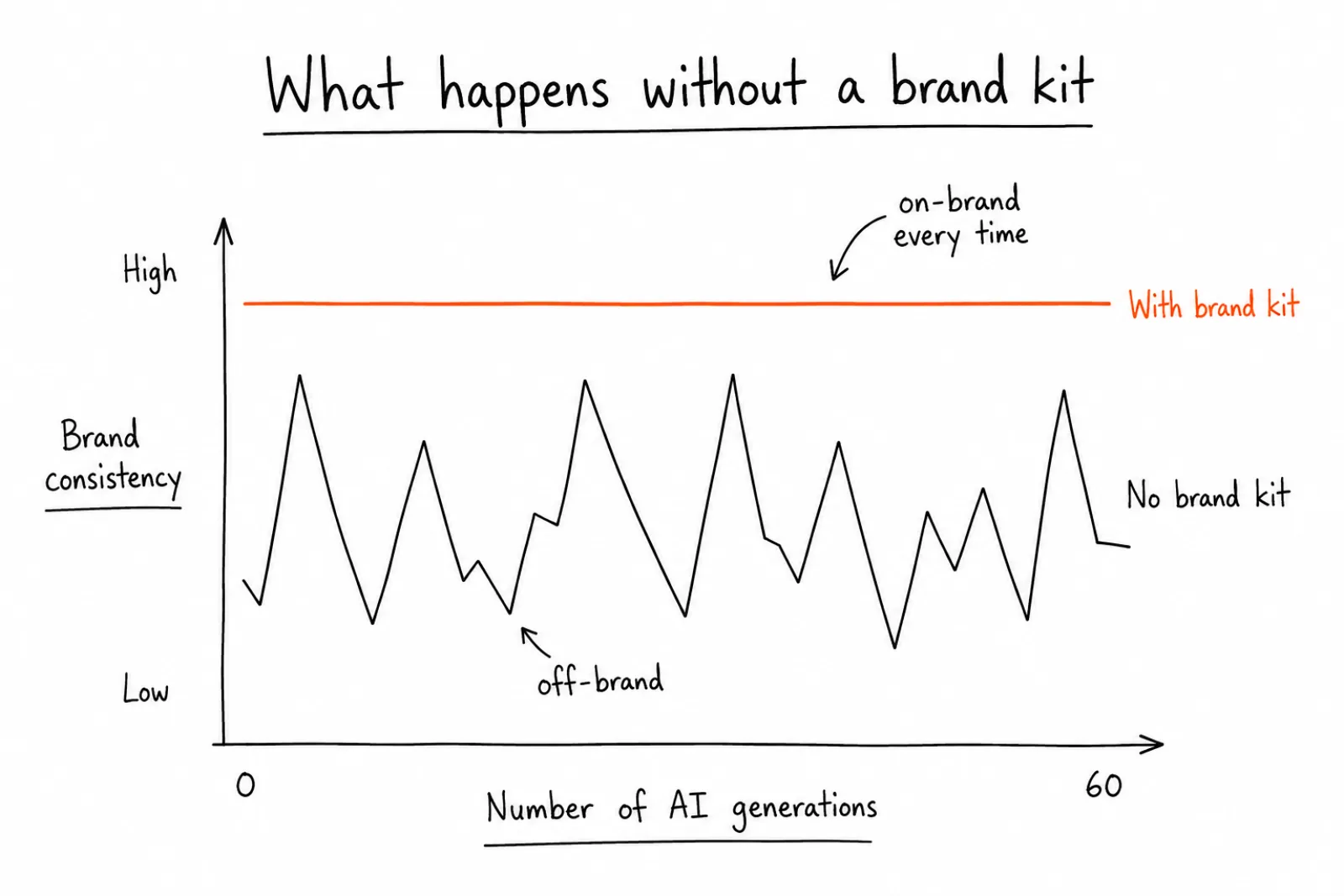
A brand kit is the fix. It's a structured set of rules, colors, fonts, tone, logo placement, that an AI tool reads before it generates anything, so the output matches your brand from the first draft instead of after three rounds of edits.
Why Most AI Content Still Needs Manual Fixing
Most AI image and video tools generate from a text prompt alone. You type what you want, the model produces something plausible, and it's up to you to catch every mismatch: a blue that's slightly off from your brand blue, a font style that reads as generic instead of yours, a layout that doesn't match your usual composition.
This works fine for a single one-off post. It breaks down once you're producing content daily, or across multiple client brands, because the correction time scales with volume. Teams often don't track this cost directly, but it adds up to real hours: resizing, recoloring, rewriting captions to match tone, swapping fonts. A brand kit removes that step by giving the AI tool that context up front, so generation and brand compliance happen in the same step instead of two.
What Actually Belongs in a Brand Kit
A usable brand kit is more specific than a mood board. Here's what needs to be locked in:
Colors. Not a general palette, exact hex codes for primary, secondary, and accent colors, plus rules for when each one is used. Xroad's own brand kit, for example, restricts itself to exactly three colors: an orange accent (FF6B35), a dark near-black (1D1D1F), and white. No greys, no gradients, no pastels. That restriction is itself part of the brand kit, not an accident.
Fonts. The exact typeface, and where possible, the weight and tracking. "Modern sans-serif" isn't specific enough for an AI tool to apply consistently. "Geist Sans, tight tracking" is.
Logo usage. Where the logo can appear, minimum clear space around it, and where it should never go, busy backgrounds, low-contrast areas.
Tone of voice. A brand kit isn't only visual. Caption tone, sentence length, and banned phrases matter just as much for AI-generated copy as colors matter for AI-generated images.
Image style. Photography versus illustration, background style, clean and light versus busy and textured, and whether the aesthetic reads as premium or casual. This is the field most brand kits skip, and it's usually where output looks off even when colors are technically correct.
Common Mistakes When Setting Up a Brand Kit
Treating colors as a general vibe instead of exact values. Warm orange produces a different result every time. FF6B35 produces the same result every time.
Skipping the image style rules. Colors can be perfect and an image can still look wrong if the composition style doesn't match. If your brand is minimal and premium, an AI tool without style rules will still sometimes generate busy, decorative compositions that technically use the right colors but feel off-brand.
Setting it once and never refining it. A brand kit works better after 10 to 20 generations, once you've seen what the tool gets wrong by default and added rules to correct it.
Not distinguishing brand-facing content from raw material. Some teams need looser rules for internal drafts and strict rules for anything that actually gets published. A single rigid brand kit for both use cases usually gets bent for the exploratory work and stops being enforced anywhere.
Forgetting tone of voice. A perfectly on-brand image with a caption that sounds nothing like the brand is still off-brand content. Voice matters as much as visuals.
How to Set One Up, Step by Step
- Pull your last 15 to 20 published posts. Look for the pattern in colors, fonts, and composition that actually got used, not what your style guide says in theory.
- Extract exact values. Hex codes for every color that appears, the actual font family and weight, logo placement patterns.
- Write the restriction, not just the palette. Decide what's explicitly excluded: no gradients, no stock-photo look, no more than two colors per graphic, whatever applies to your brand.
- Define the image style in words an AI model can use. "Liquid glass, Apple-inspired, premium, minimal" is a usable instruction. "Nice and modern" is not.
- Load it into your content tool once. In Xroad Studio's brand kit, this is a one-time setup, colors, logo, fonts, tone, all in one place, applied automatically to every generation after that.
- Test with 5 to 10 generations and refine. Note every place the output drifts from brand, and add a specific rule to close that gap.
What Changes Once the Brand Kit Is Set
Before a brand kit is in place, every AI generation needs a human pass: check the colors, check the font, check the tone, fix what's wrong. After it's in place, that pass becomes a spot check instead of a full correction cycle. The generation starts from the right foundation instead of a generic one.
This matters most for teams operating at volume. A solo creator posting twice a week can afford to manually fix each image. An agency managing 10 client brands, or an ecommerce team generating daily product content, cannot. See how brand kit setup works across pricing tiers for teams of different sizes.
How to Tell If Your Brand Kit Is Working
Most teams set up a brand kit and never check whether it actually changed anything. Three signals tell you fast.
The correction rate drops. Before the kit, count how many generated assets needed a manual fix before publishing. After a week with the kit in place, count again. If the number hasn't moved, the kit is too vague, usually because the image style and tone sections were skipped or written in adjectives instead of instructions.
Output stays consistent across unrelated prompts. Generate five posts on completely different topics. If they still look like they came from the same brand, the kit is doing its job. If each one drifts toward a different aesthetic, the style rules aren't specific enough to constrain the model.
Someone else can use it and get your results. This is the real test for teams. Hand the tool to a colleague who didn't build the brand kit and have them generate a post. If the output is on-brand without them knowing your guidelines, the kit has captured what was previously in someone's head. If they produce something off-brand, the kit is still relying on tacit knowledge that never got written down.
When a signal fails, the fix is almost always the same: replace a descriptive rule with a specific one. "Clean and modern" becomes "generous white space, no more than two colors per graphic, no drop shadows." "Professional tone" becomes "second person, sentences under 25 words, no exclamation marks." The model applies precise constraints reliably and vague ones inconsistently.
Recheck these three signals whenever the brand shifts, and after any month where you notice yourself correcting output again. Drift is gradual, and the kit that worked in January can quietly stop matching what the brand looks like by June.
FAQ: How to Build a Brand Kit That Keeps Every AI-Generated Post On-Brand
A style guide is documentation for humans. A brand kit is that same information structured so an AI tool can read and apply it automatically to every generation, not just reference material someone has to remember to check.
Related Guides
Apr 26, 2026 · 10 min read
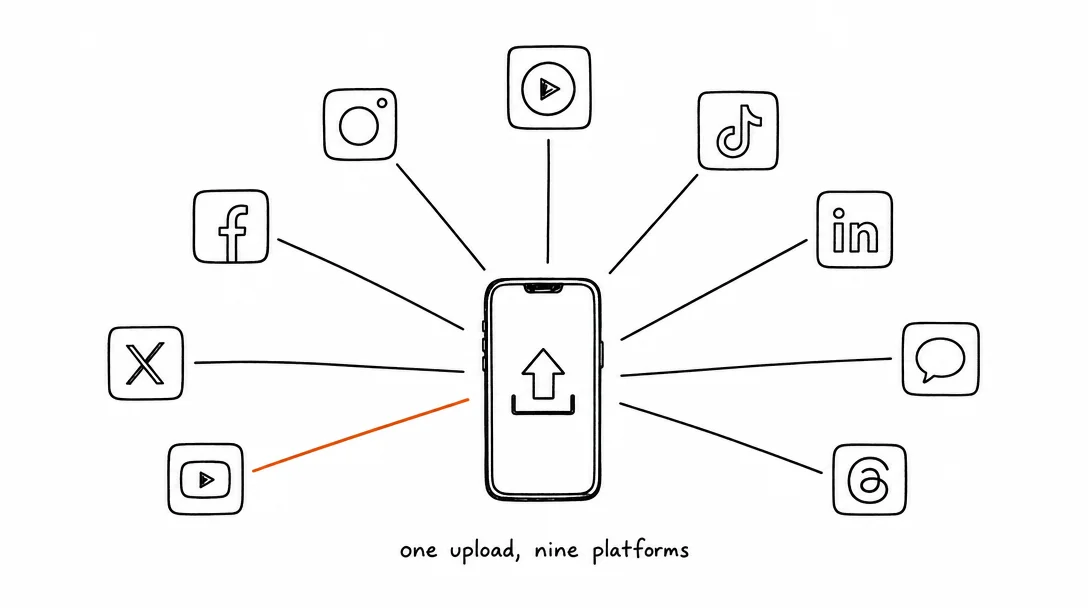
How to Post to 9 Platforms at Once
Stop logging in 9 times. Schedule everything, Instagram, TikTok, YouTube, LinkedIn, and more, from one place.
Apr 26, 2026 · 7 min read
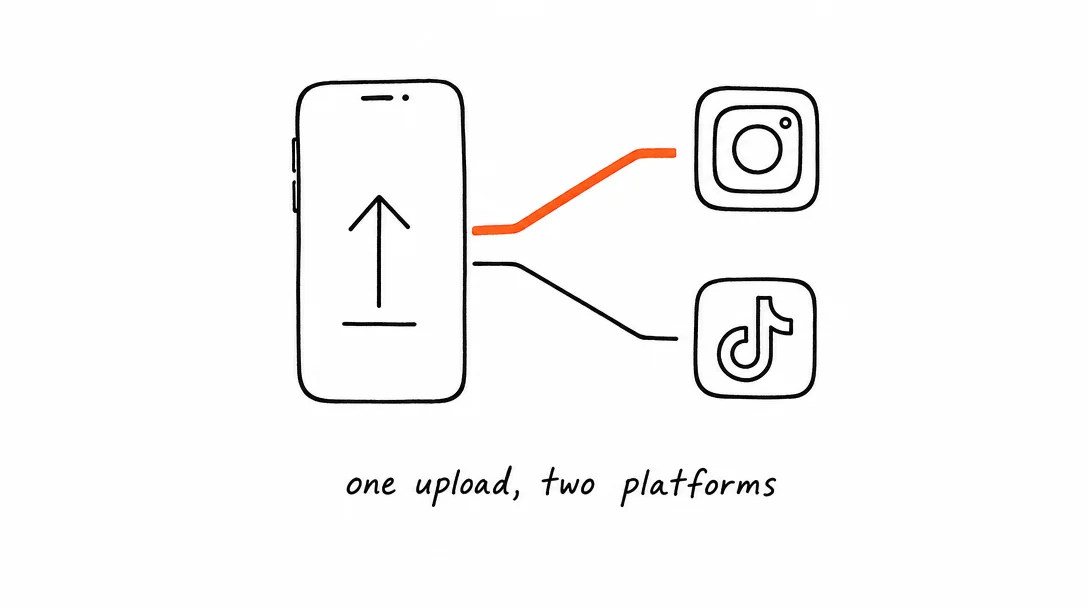
How to Post to Instagram and TikTok at Once
Upload once and publish to both Instagram and TikTok simultaneously. No double-uploading, no app switching.
May 19, 2026 · 8 min read
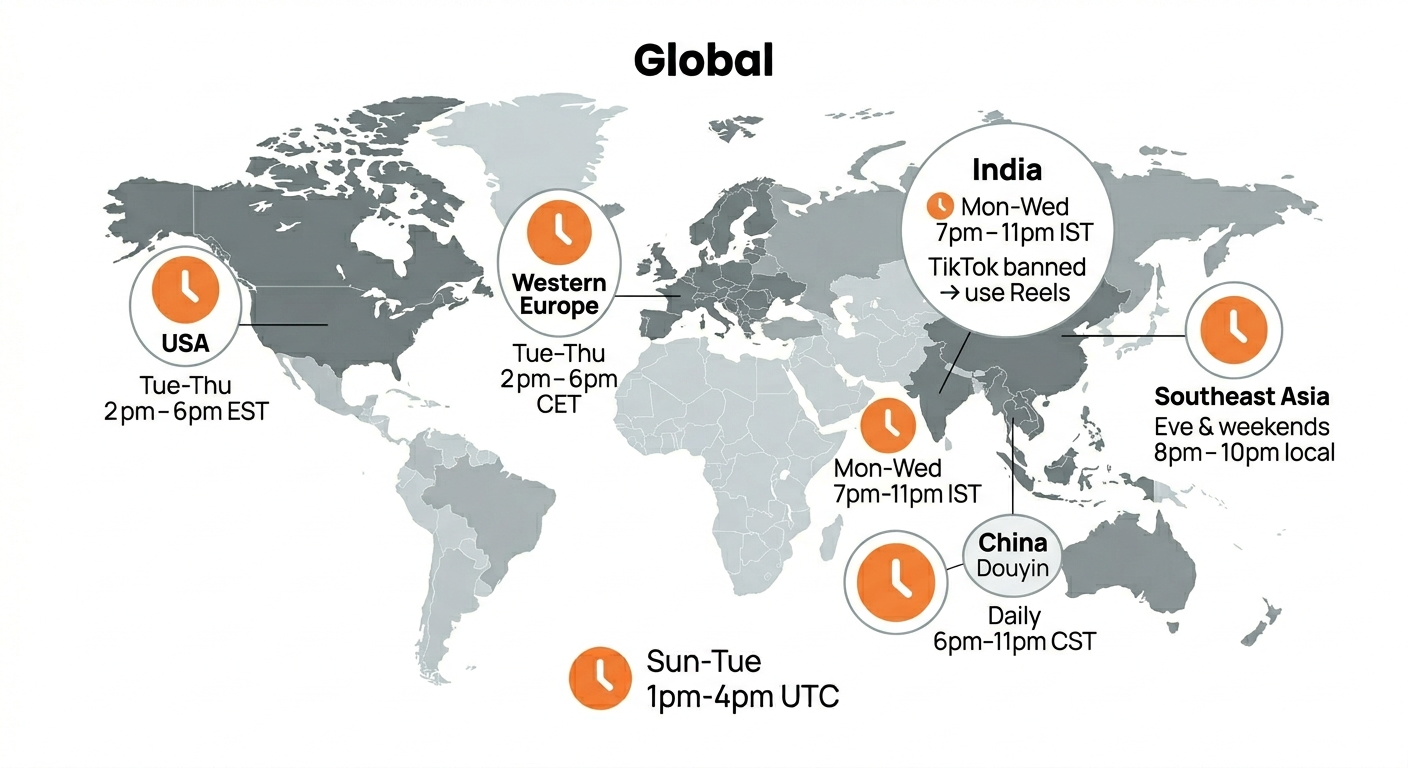
Best Time to Post on TikTok in 2026 (By Region)
Data from 2 billion TikTok engagements. Best posting times broken down by region, USA, Europe, Southeast Asia, and global audiences.
Your brand. One platform. Always on
Create, edit, and post from a single studio.
Start for freeSchedule every platform from one place, automatically.