Content Calendar Templates: How Agencies Plan a Month of Posts in One Sitting
You're managing content for six client brands, and Monday morning starts the same way every week: open client one's folder, check what's due, switch to client two, repeat.
Overview
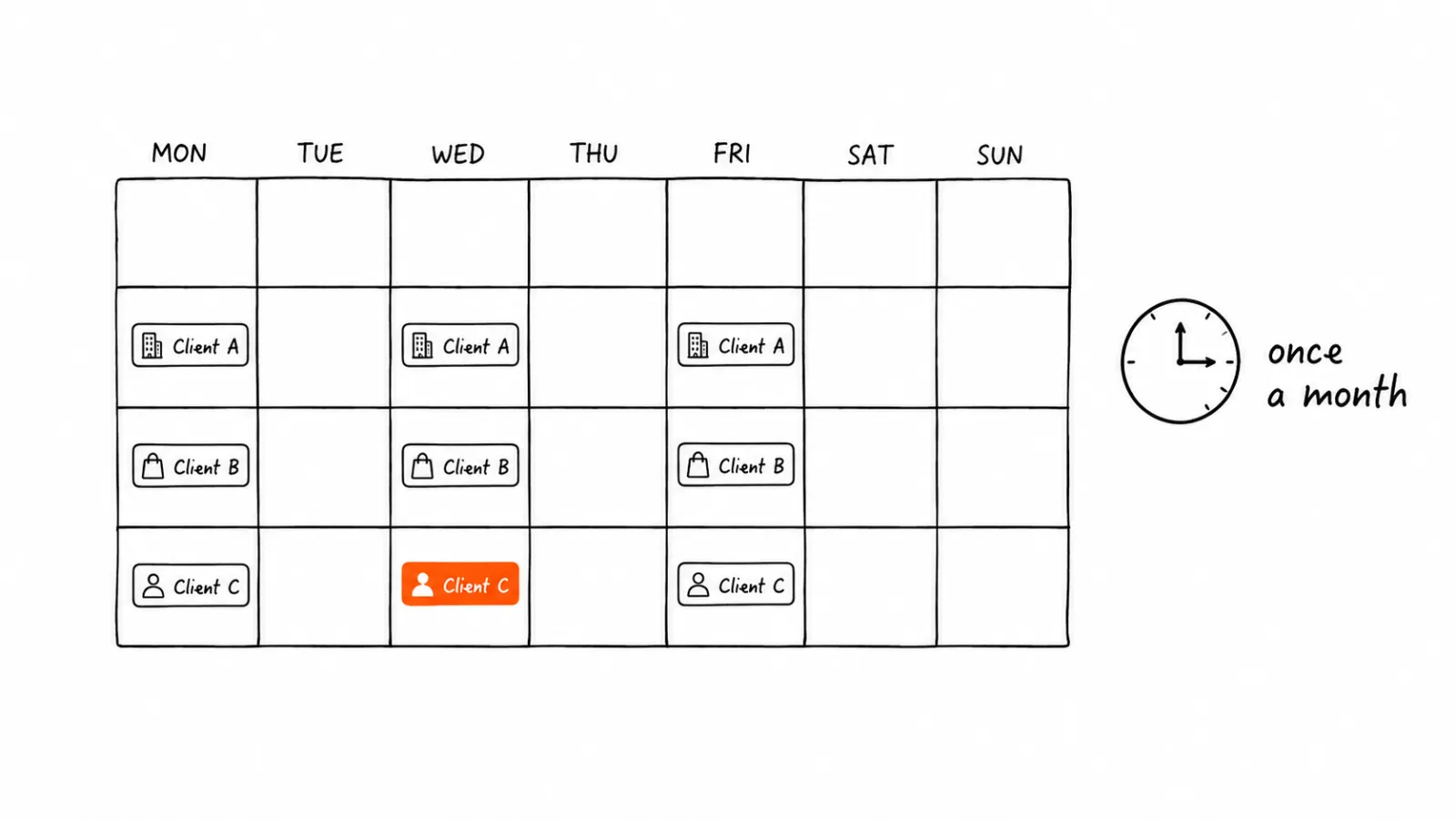
A proper content calendar system fixes this, but only if it's built for multi-client reality, not adapted from a single-brand template that assumes you're only managing one voice, one audience, one platform mix.
Why Single-Brand Templates Break for Agencies
Most content calendar templates, the free ones from Notion, Trello, or a generic marketing blog, assume one brand, one posting cadence, one platform set. An agency managing five to twenty clients hits three problems immediately: different clients need different platforms, different posting frequencies, and completely separate brand voices that can't bleed into each other. A single calendar view built for one brand collapses under that complexity.
What a Multi-Client Calendar System Actually Needs
Client-level separation that doesn't require separate tools. You need to see everything in one place, but never risk publishing client A's content to client B's account. This means the system needs structural separation, brand kits and account groupings, not just color-coded labels that rely on a human not making a mistake.
Platform-aware scheduling per client. Client one might only care about LinkedIn. Client two lives on Instagram and TikTok. A calendar that treats every client the same wastes time forcing irrelevant platforms into every plan.
A batch-planning workflow, not a daily one. The agencies that plan a month in one sitting aren't more efficient day to day, they've restructured when the planning happens. Planning once a month in a focused block beats planning daily across six clients in fragmented sessions.
Brand consistency enforcement per client. Without this, brand bleed between clients is almost inevitable at volume, using client A's tone or colors on client B's content, especially when working fast.
Common Mistakes Agencies Make With Content Calendars
Planning each client separately with no shared system. This feels organized but means learning and maintaining separate workflows per client, none of which compound into efficiency gains.
Not batching by task type. Switching between writing captions, sourcing images, and scheduling for the same client, then repeating for the next client, causes more context switching than batching all captions first, then all images, then all scheduling across every client.
Underestimating approval workflows. Client sign-off adds real time. A calendar system without a built-in review status wastes time on scattered email or chat approval threads that are hard to track.
Ignoring platform-specific timing. Copying the same posting schedule across all clients ignores that different audiences are active at different times, and different platforms reward different posting frequencies.
No system for recurring content types. Agencies that don't template recurring formats, weekly tips, monthly case studies, client spotlights, rebuild the wheel every planning session instead of filling in a known structure.
How to Plan a Month in One Sitting: The Framework
- Set a fixed monthly planning block. Two to four hours, once a month, per group of clients, works better than daily fragments. Put it on the calendar as protected time.
- Start with recurring content types. Fill in known formats first, weekly educational posts, monthly case studies, before creative one-offs. This gives a skeleton before generating net-new ideas.
- Batch by task, not by client. Write all captions across clients first, then generate or source all images, then schedule everything. This reduces the mental cost of switching between brand voices repeatedly.
- Build in one review pass per client. A single structured approval step per client, not scattered back and forth, keeps the batch-planning time savings intact.
- Schedule everything before the month starts. The whole point of batch planning is that once it's done, execution replaces planning for the next four weeks.
What This Looks Like With a Brand Kit Per Client
Once each client has a configured brand kit, colors, tone, platform mix, planning shifts from recreating a client's look every time to selecting a client, generating on-brand content, and scheduling. The brand separation that prevents bleed between clients happens structurally, not through manual vigilance. See how brand kit setup works for multi-client teams, and check pricing for agency tiers.
What Not to Automate
Don't auto-approve content on a client's behalf, and don't skip a human review pass even when brand kits are dialed in. Client relationships depend on them feeling involved in their own content, not just receiving a finished product they never saw coming. Automate the production and scheduling. Keep approval human.
What Happens When the Month Changes After You've Planned It
Batch planning assumes a stable month, and no month is stable. A client launches a week early, a campaign gets pulled, a founder wants a post about something that happened yesterday. The framework above only holds up if you decide in advance how changes get absorbed, otherwise the first urgent request reopens the whole calendar and you're back to planning daily.
Separate the plan into fixed slots and flexible slots. Recurring formats are fixed: they were scheduled for a reason and they should survive the month untouched. Leave one or two slots per client per week deliberately empty, or filled with something you're willing to drop. Those are where reactive posts land. A calendar with no slack has to be rebuilt every time something arrives; a calendar with slack absorbs the change in minutes.
Swap, don't reschedule. When a client wants something added, replace a flexible slot rather than shifting everything after it. Pushing the queue back by one changes every date downstream, which is where cadence errors and double-posting come from. A straight swap keeps the rest of the month exactly as approved.
Set a change threshold with each client before the month starts. Agree on how many additions a month are included in the normal workflow and what counts as a new brief. Without a stated number, every request feels equally urgent, and the batch-planning time you saved leaks back out one favor at a time.
Decide which changes require a new approval pass. A swapped image or a reworded caption usually doesn't. A new topic, a claim about results, or anything referencing a live event does. Write the distinction down once per client so you're not making the call under time pressure.
Batch the changes too, where you can. Not every request is same-day. Collecting non-urgent changes and handling them in a single mid-month block, 30 minutes on a set day, preserves most of the benefit of batching. Only genuinely time-sensitive posts should interrupt the flow.
Track how often the plan breaks. If a client needs four unplanned posts a month, that isn't disruption, it's their actual cadence. Move those slots into the fixed plan next month and the disruptions stop being disruptions.
Where to Start
Batch planning a month of content isn't about working faster in the moment, it's about restructuring when the work happens. See how a content calendar built for multi-client teams works, or check pricing for agency plans.
FAQ: Content Calendar Templates
For a single client with a clear brand kit and recurring content formats defined, 30-45 minutes is typical. Without a system, it can take 2-3 hours per client.
Related Guides
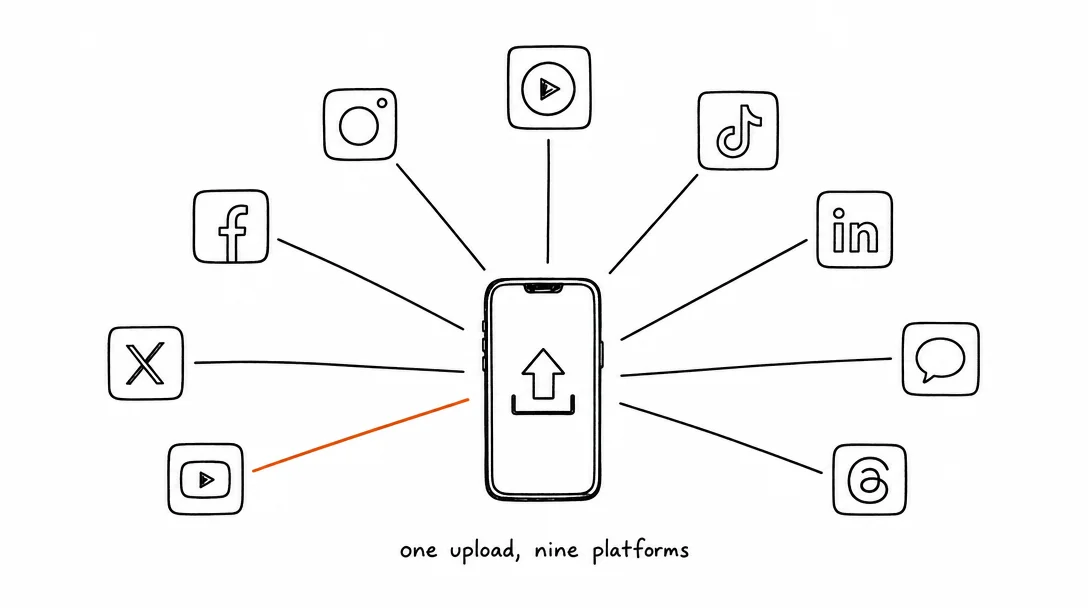
Apr 26, 2026 · 10 min read
How to Post to 9 Platforms at Once
Stop logging in 9 times. Schedule everything, Instagram, TikTok, YouTube, LinkedIn, and more, from one place.
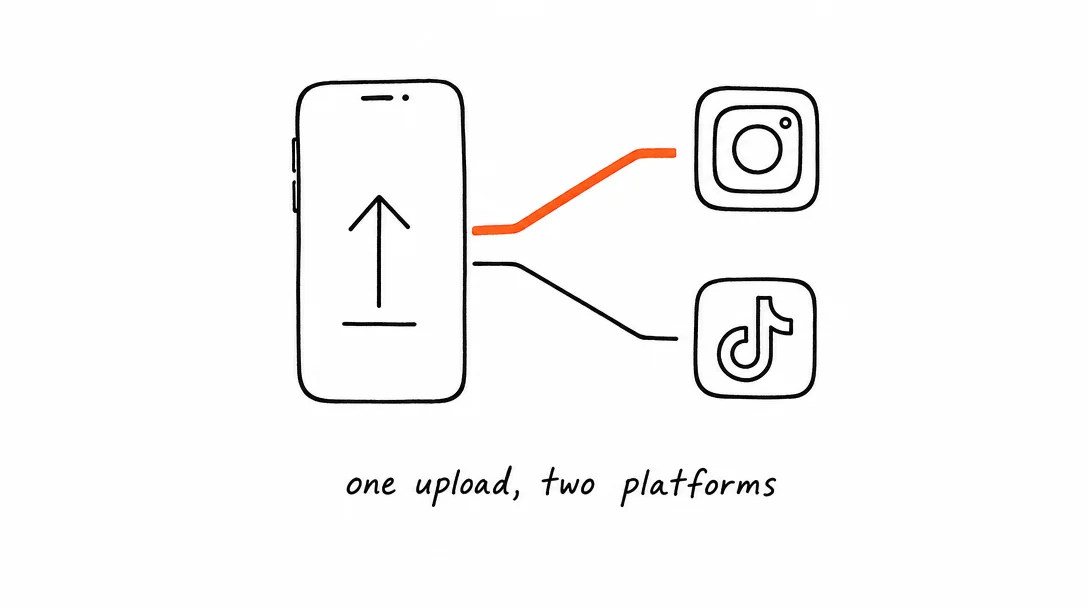
Apr 26, 2026 · 7 min read
How to Post to Instagram and TikTok at Once
Upload once and publish to both Instagram and TikTok simultaneously. No double-uploading, no app switching.
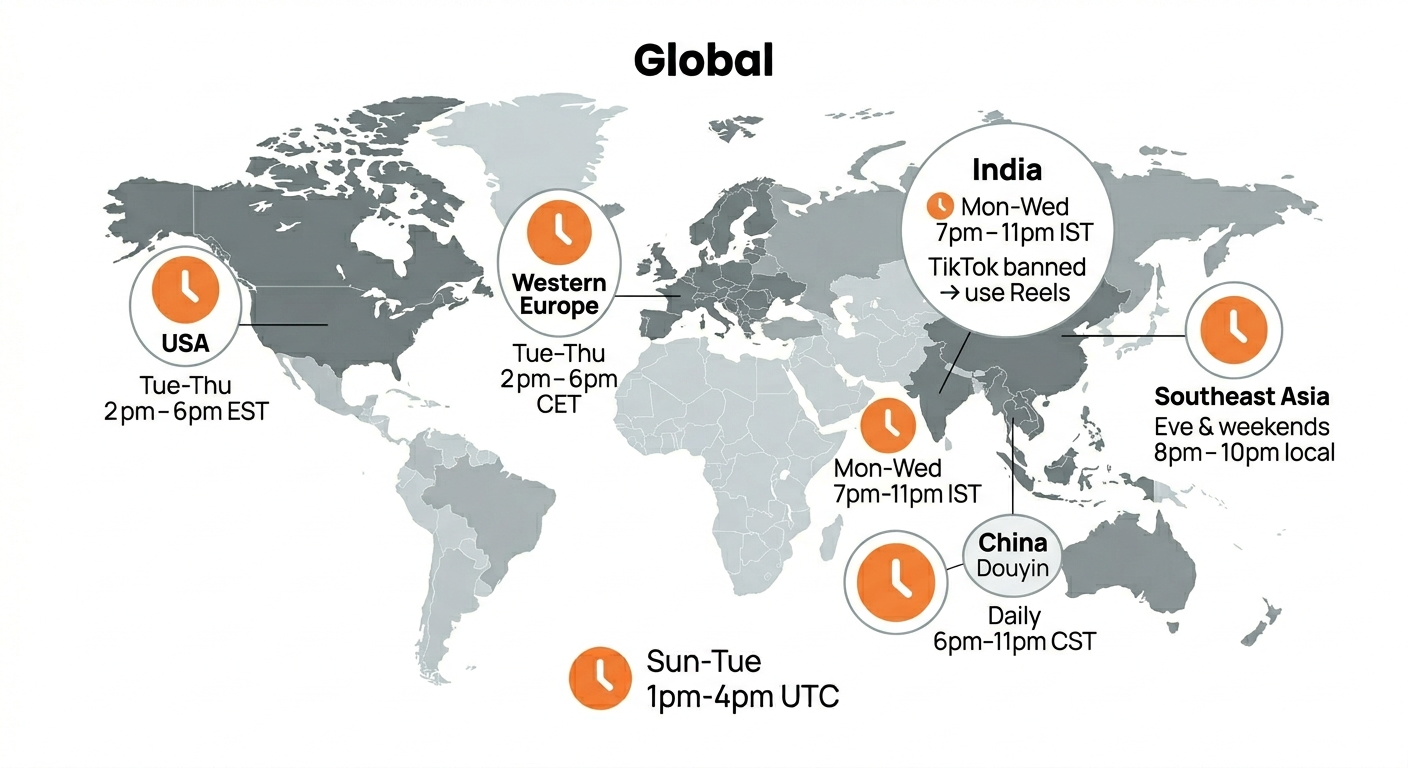
May 19, 2026 · 8 min read
Best Time to Post on TikTok in 2026 (By Region)
Data from 2 billion TikTok engagements. Best posting times broken down by region, USA, Europe, Southeast Asia, and global audiences.
Your brand. One platform. Always on
Create, edit, and post from a single studio.
Start for freeSchedule every platform from one place, automatically.