Best AI Tools for Small Business Marketing in 2026 (Free and Paid)
Small business marketing budgets don't stretch to a full team, but the workload doesn't shrink to match. AI tools have genuinely closed some of that gap, not by replacing marketing judgment.
Content Writing and Copy
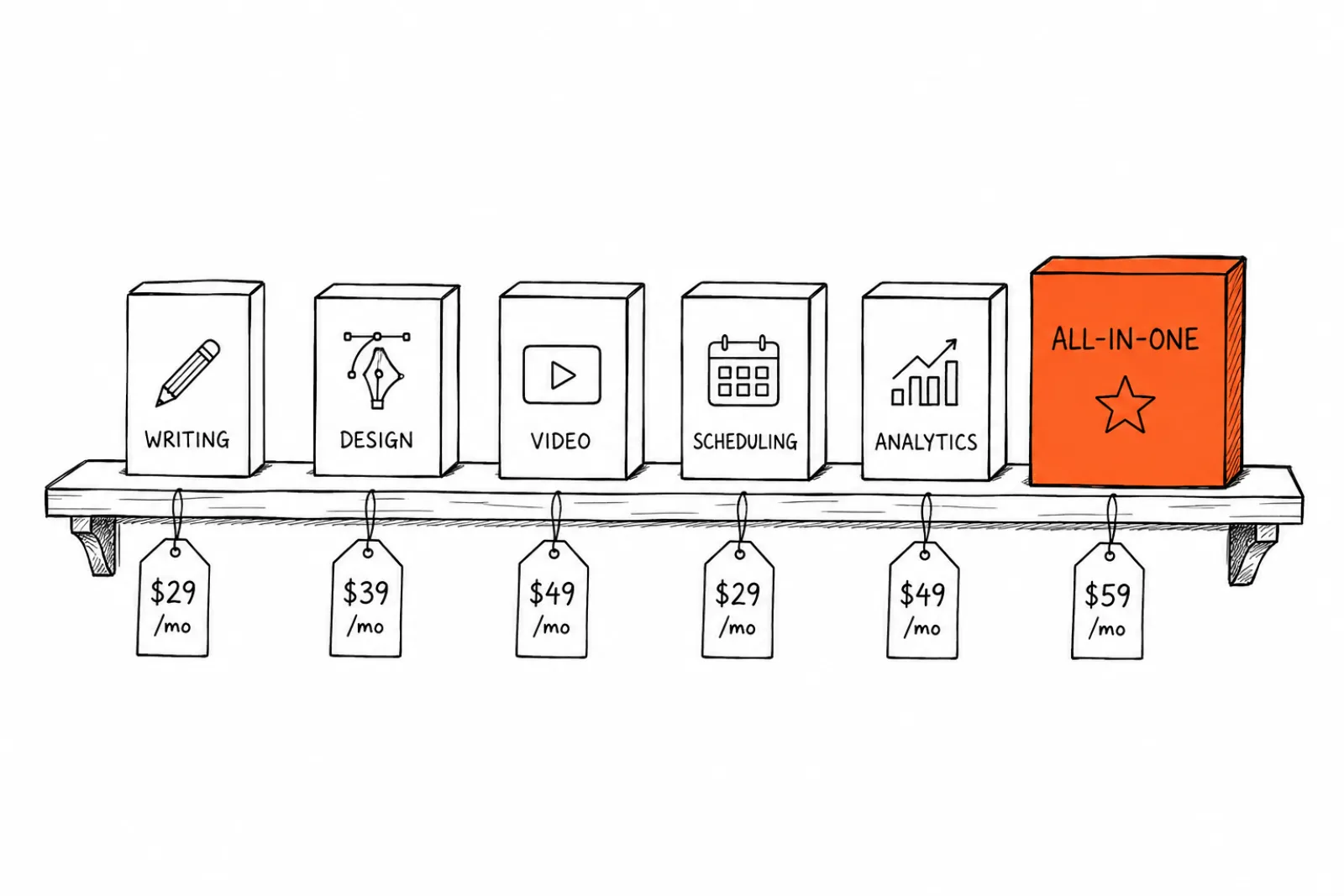
ChatGPT / Claude (free tier available, paid from ~$20/mo). General-purpose writing assistance for captions, emails, and blog drafts. Strength: flexible, handles almost any writing task. Weakness: no built-in brand memory, you're re-explaining your brand voice in every session unless you build custom instructions.
Jasper (from ~$49/mo). Marketing-specific writing tool with brand voice training. Strength: purpose-built for marketing copy at scale. Weakness: pricier than general AI assistants for similar underlying capability.
Image and Video Generation
Canva Magic Studio (free tier, paid from ~$13/mo). AI-assisted design within an already-familiar design tool. Strength: low learning curve, huge template library. Weakness: AI generation quality is behind dedicated image models, and brand consistency across many assets still requires manual work.
Midjourney (from ~$10/mo). High-quality AI image generation. Strength: strong aesthetic quality for creative work. Weakness: Discord-based interface has a learning curve, and it lacks built-in social scheduling or brand kit automation.
Xroad Studio (from ~$29/mo). Brand-matched image, video, and caption generation with scheduling built in. Strength: brand kit applied automatically across every generation, removing manual brand QA. Weakness: not the cheapest entry point, and it's overkill if you only need occasional one-off graphics.
Scheduling and Publishing
Buffer (from ~$5/mo). Straightforward scheduling across major platforms. Strength: simple, cheap, minimal learning curve. Weakness: no content generation, you need content ready before you open it.
Later (free tier, paid from ~$18/mo). Visual content calendar with strong Instagram-specific features. Strength: good for visually planning a feed. Weakness: weaker on platforms outside Instagram and Pinterest.
Analytics and Insights
Google Analytics (free). Website traffic and conversion tracking. Strength: free, comprehensive, industry standard. Weakness: steep learning curve for non-technical users, doesn't cover social media performance directly.
Platform-native analytics (free, built into each platform). Instagram Insights, TikTok Analytics, and similar. Strength: free and directly relevant to that platform's performance. Weakness: no cross-platform view, you're checking multiple dashboards separately.
Common Mistakes When Choosing AI Marketing Tools
Subscribing to overlapping tools. Many small businesses end up paying for a writing tool, a design tool, and a scheduling tool that don't talk to each other, when a more integrated option would cost less and save the manual handoff time.
Choosing based on features you won't use. Enterprise-tier tools with social listening and advanced reporting are wasted budget for a business posting a few times a week without a dedicated marketing team.
Ignoring the setup time cost. A tool that takes a week to configure properly isn't actually saving time in month one, even if it's more powerful long-term. Factor in setup time, not just monthly price.
Skipping the free tier before committing to paid. Most tools on this list have a free tier or trial. Test the actual workflow before committing to an annual plan.
Not checking brand consistency features before scaling up. A tool that produces great one-off content but drifts on brand consistency across dozens of pieces becomes a bigger problem the more you use it, not a smaller one.
Comparison Table
| Tool | Category | Starting price | Best for |
|---|---|---|---|
| ChatGPT / Claude | Writing | Free / $20+/mo | Flexible general writing |
| Jasper | Writing | $49+/mo | Marketing-specific copy at scale |
| Canva Magic Studio | Design | Free / $13+/mo | Quick, familiar design work |
| Midjourney | Image generation | $10+/mo | High-quality creative images |
| Xroad Studio | Content + scheduling | $29+/mo | Brand-consistent generation and scheduling in one place |
| Buffer | Scheduling | $5+/mo | Simple publishing, content made elsewhere |
| Later | Scheduling | Free / $18+/mo | Visual Instagram-first planning |
| Google Analytics | Analytics | Free | Website traffic tracking |
How to Choose: A Practical Roadmap
- Identify your actual bottleneck first. Writing, design, scheduling, or brand consistency, most small businesses have one clear weak point, not all four equally.
- Start with free tiers for your top 2-3 candidates. Test real workflows before paying for anything.
- Count your total monthly tool spend, not just one subscription. Overlapping tools often cost more combined than one integrated option.
- Weigh setup time against monthly savings. A tool that saves 3 hours a week but takes 5 hours to set up still pays off within two weeks.
- Re-evaluate quarterly. AI tools improve fast. What was the best option six months ago may not be now.
What Not to Automate
Don't automate customer service replies or reviews without human oversight, and don't rely on AI-generated content for anything involving pricing, legal claims, or promises without a human fact-check. Automate production. Keep anything customer-facing and factual human-verified.
How to Run a Trial That Actually Tells You Something
Most free trials get wasted the same way: you sign up, click around the interface for twenty minutes, decide it seems fine, and start paying. Two months later you can't tell whether it changed anything. A trial is only useful if it tests the work you actually do, on a schedule you actually keep.
Before you sign up, write down the one task you want the tool to take off your plate. Not "help with marketing" but something specific: producing next week's five posts, or turning one blog post into platform-specific captions. A tool that does that one task faster is worth paying for. A tool that does eleven things you don't need is not.
Time yourself doing that task manually once, before the trial starts. You need a number to compare against, and your memory of how long things take is unreliable. Write down the minutes. This is the only benchmark that matters, and it costs you one session to get.
Then do the same task in the tool, twice. The first run includes learning the interface and will look bad. The second run is the honest one, because it reflects what the task will cost you every week from then on. Compare that second number against your manual benchmark.
Check the output you'd actually be willing to publish, not the output the tool produces. Generate five pieces and count how many you would post without editing. If you rewrite most of them, the tool is generating drafts, not finished work, and your real time saving is smaller than the demo suggested.
Set a calendar reminder two days before the trial converts to paid. Trials are designed to convert through inattention. Decide deliberately, with your numbers in front of you.
- Cancel if the second run wasn't faster than doing it manually. Familiarity will help a little, but not enough to reverse a bad result.
- Cancel if you rewrote nearly everything it generated. Editing bad output takes longer than writing from scratch.
- Cancel if it duplicates something you already pay for. Two tools doing one job is the most common way small budgets leak.
- Keep it if it removed a step you were dreading. Consistency matters more than raw speed, and the tool you actually open every week beats the more capable one you avoid.
Where to Start
The right AI tool stack depends on your actual bottleneck, not the most popular tool. See how Xroad Studio's brand kit and scheduling work together, or check pricing to compare against your current tool spend.
FAQ: Best AI Tools for Small Business Marketing in 2026 (Free and Paid)
ChatGPT or Claude's free tier for writing, combined with Canva's free tier for design, covers basic needs without any cost, though you'll do more manual brand-consistency work.
Related Guides
Apr 26, 2026 · 10 min read
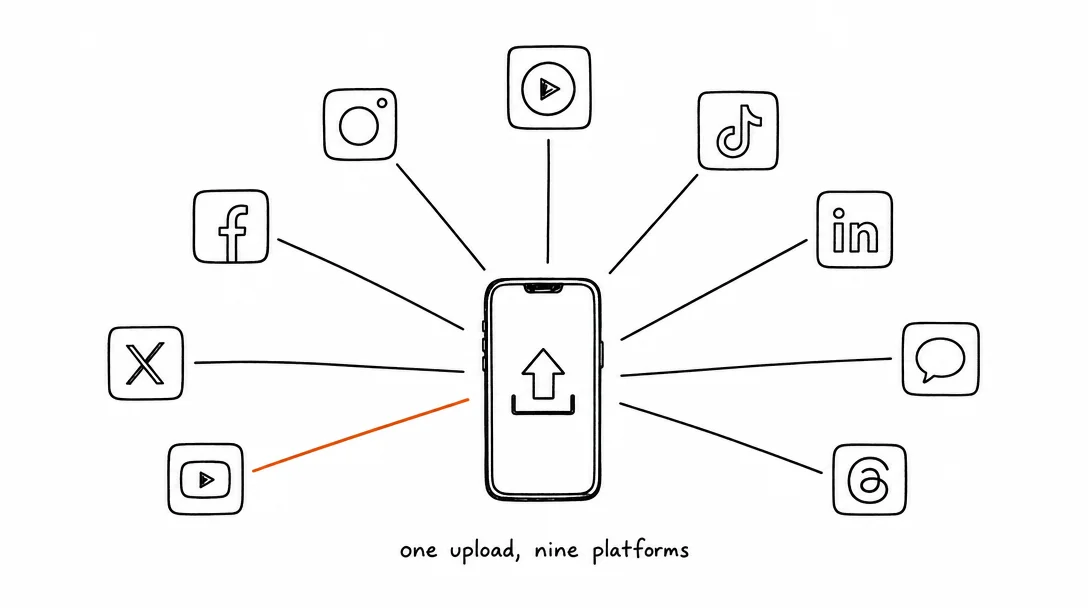
How to Post to 9 Platforms at Once
Stop logging in 9 times. Schedule everything, Instagram, TikTok, YouTube, LinkedIn, and more, from one place.
Apr 26, 2026 · 7 min read
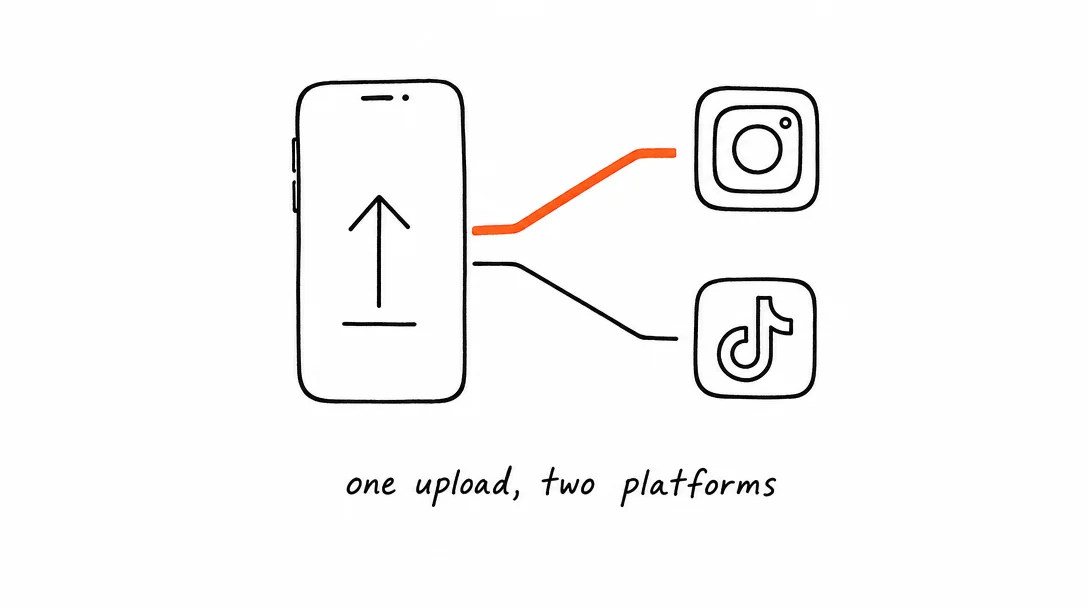
How to Post to Instagram and TikTok at Once
Upload once and publish to both Instagram and TikTok simultaneously. No double-uploading, no app switching.
May 19, 2026 · 8 min read
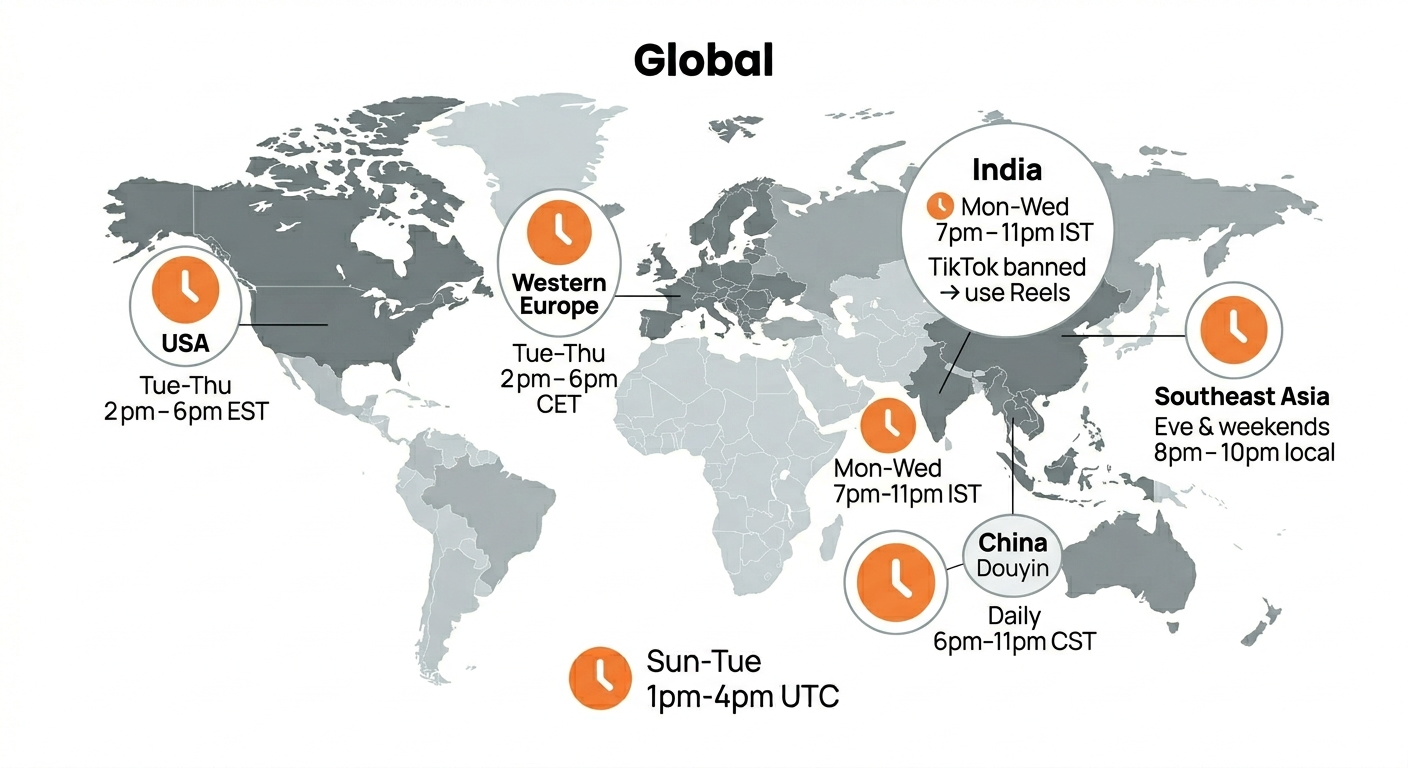
Best Time to Post on TikTok in 2026 (By Region)
Data from 2 billion TikTok engagements. Best posting times broken down by region, USA, Europe, Southeast Asia, and global audiences.
Your brand. One platform. Always on
Create, edit, and post from a single studio.
Start for freeSchedule every platform from one place, automatically.