Xroad Studio vs Buffer: Which One Should You Actually Use in 2026?
You're managing content for one brand, or five, and every week starts the same way: log into Buffer, queue up posts, realize half of them need brand tweaks Buffer can't do natively.
Overview
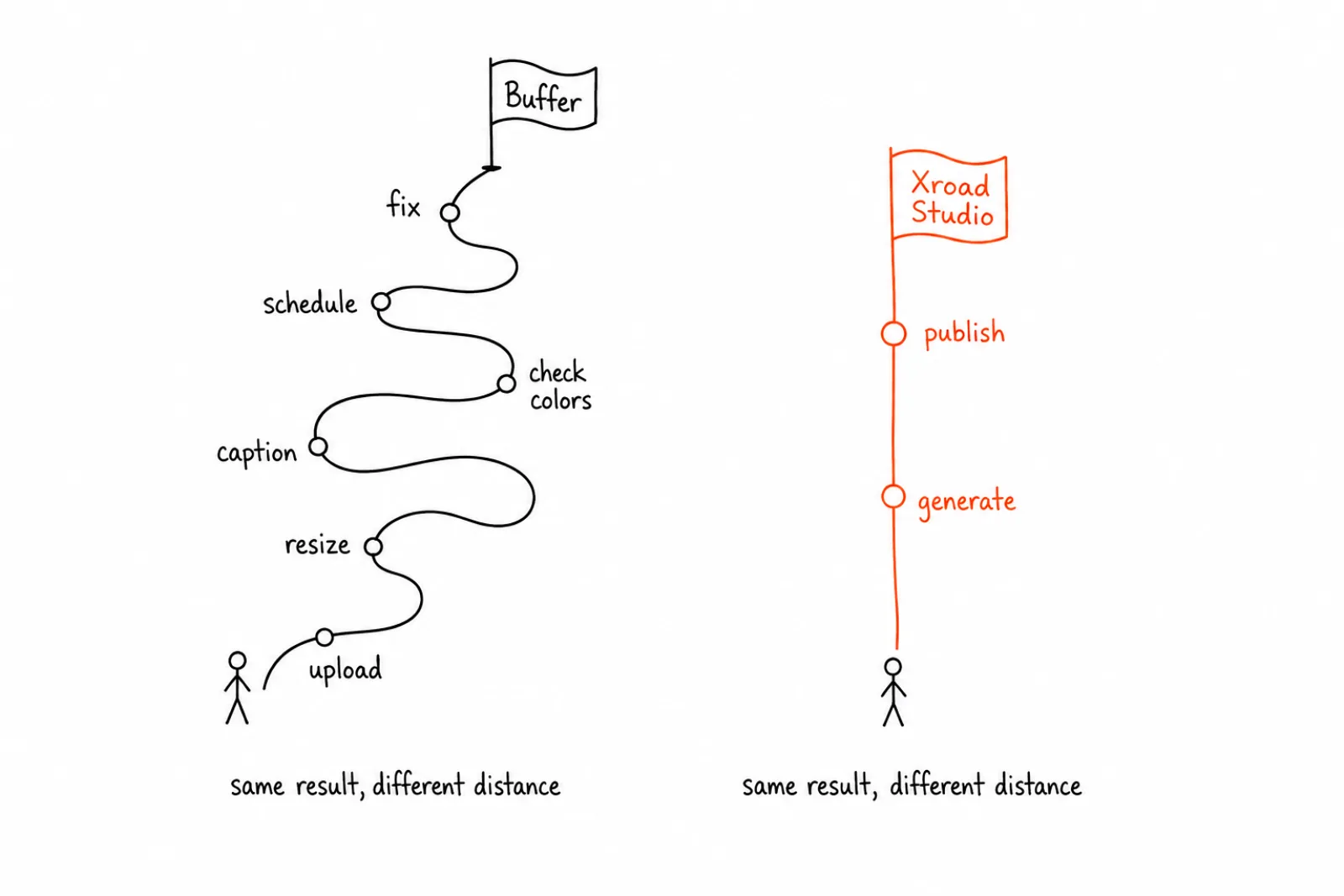
That gap between "schedule posts" and "produce on-brand content" is exactly where Xroad Studio and Buffer stop being the same category of tool, even though they get compared constantly. Here's the honest breakdown of what each one actually does, who it's built for, and which one saves you real hours instead of just moving the problem around.
What Each Tool Actually Is
Buffer is a social media scheduler. You create content elsewhere (Canva, your phone, a designer), upload it to Buffer, write captions, and Buffer publishes it on schedule across your connected accounts. That's the whole job, and Buffer does it cleanly.
Xroad Studio is a content production system with scheduling built in. You set your brand once (colors, fonts, tone, logo), and Xroad generates on-brand images, video, and captions from a single prompt, then schedules and publishes them across up to 9 platforms. The scheduling is the last step, not the whole product.
The distinction matters because it changes what problem you're actually solving. If your bottleneck is publishing logistics, Buffer solves that. If your bottleneck is producing enough on-brand content in the first place, Buffer doesn't touch that part of the job.
Benefits and Tradeoffs: Buffer
Buffer is fast to learn. Most people are scheduling their first post within 10 minutes of signing up. Tradeoff: that simplicity means zero content creation support. You're on your own for images, video, and brand consistency.
Buffer is cheap at the entry tier. Plans start around $5 to $15 per month for basic scheduling. Tradeoff: at that price you get one user, limited channels, and no AI generation of any kind.
Buffer has a clean, minimal interface. Teams like it because there's nothing to learn beyond a calendar and a queue. Tradeoff: that same simplicity becomes a ceiling once you're managing multiple brands or need consistent visual output at volume.
Benefits and Tradeoffs: Xroad Studio
Xroad Studio removes the brand QA step. Once your brand kit is set, every image, video, and caption inherits it automatically, so you're not manually checking whether a generated asset matches your colors and tone. Tradeoff: setup takes longer than Buffer's, because you're configuring a brand system, not just connecting accounts.
Xroad Studio generates content, not just schedules it. Type an idea, get an on-brand image or video plus a caption, then schedule it in the same session. Tradeoff: if you already have a content team and just need publishing, you're paying for generation capability you won't use.
Xroad Studio is built for people producing content at volume. Agencies running 5 to 20 client brands, or ecommerce teams needing constant product content, get the most value. Tradeoff: it's not the cheapest option, and it's not built for someone posting occasionally for a hobby account.
Where People Get the Comparison Wrong
Comparing on price alone. Buffer's $5/month plan and Xroad Studio's $29+/month plan aren't the same purchase. One buys you a scheduling calendar. The other buys you a content production system with scheduling attached. Comparing the sticker price without comparing what's included misses the point of either tool.
Assuming you need generation if you already have a designer. If you have an in-house design team producing brand-perfect assets, Xroad Studio's generation features are redundant. Buffer plus your existing workflow may genuinely be the better fit.
Assuming scheduling depth is equal. Buffer supports more niche integrations (Shopify, Google Business Profile) that Xroad Studio doesn't currently cover. If your workflow depends on those specific integrations, that's a real limitation to weigh.
Underestimating the time cost of manual brand correction. Teams often don't track how many hours per week go into resizing, recoloring, or rewriting AI output to match brand guidelines. That hidden cost is usually where Xroad Studio's price difference gets justified or doesn't.
Ignoring platform count. Buffer covers the major platforms, Xroad Studio schedules to Instagram, TikTok, YouTube, Facebook, X, LinkedIn, Pinterest, Threads, and Bluesky from one dashboard. If you're managing all 9, the platform count difference compounds fast.
Feature and Pricing Comparison
| Feature | Buffer | Xroad Studio |
|---|---|---|
| Starting price | $5-15/mo | $29+/mo |
| Post scheduling | Yes | Yes |
| Platforms supported | 6-7 core platforms | 9 platforms |
| AI image generation | No | Yes, brand-matched |
| AI video generation | No | Yes, brand-matched |
| Brand kit (auto-applied) | No | Yes |
| Multi-client / multi-brand support | Limited | Built for agencies |
| Analytics | Basic | Per-platform performance data |
| Best for | Solo creators, small teams with existing content | Agencies, ecommerce brands, businesses producing content at volume |
Who Should Actually Use Buffer
If you already have content ready to go (from a designer, a video editor, or your own workflow) and the only remaining problem is getting it published on schedule across accounts, Buffer is the leaner, cheaper choice. It does one job and does it without friction.
Who Should Actually Use Xroad Studio
If you're spending hours per week creating or correcting content to match your brand before you can even think about scheduling, that's the problem Xroad Studio is built to remove. This fits agencies managing multiple client brands, ecommerce teams needing constant product content, and B2B businesses that need a consistent LinkedIn presence without a design team behind it. You can see how brand setup works on the brand kit page, and check exact plan pricing on the pricing page.
Getting Started: A Practical Roadmap
If you're weighing the switch, here's how to evaluate it without guessing:
- Track your current time cost. For one week, log every minute spent creating, resizing, or correcting content before it gets published. Most teams underestimate this by 2-3x.
- Count your platforms. If you're only on 2-3 platforms, the gap between the tools narrows. At 5+, it widens fast.
- Audit your brand consistency. Pull your last 10 posts. Do they look like they came from the same brand? If not, that's the gap Xroad Studio targets.
- Set up a brand kit as a test. Load your colors, logo, and tone into Xroad Studio and generate a handful of test posts before committing to a plan.
- Compare a real week. Run one week through your current process, one week through the new one, and compare actual hours spent, not just subscription cost.
What Not to Automate Either Way
Regardless of which tool you choose, some things stay manual. Don't automate replies or comments, both platforms and their terms of service treat that as spam behavior. Don't auto-follow or auto-like to grow reach, it risks account suspension. Automate the publishing. Keep the engagement human.
Where to Start
Once you know which system fits your workflow, the fastest way to confirm it is to test it against a real week of content. See how brand setup works on the content calendar and brand kit pages, or check pricing for exact plan details.
FAQ: Xroad Studio vs Buffer
At the entry tier, yes. Buffer starts around $5-15/month, Xroad Studio starts at $29+/month. The difference reflects that Xroad Studio includes AI content generation and brand automation, not just scheduling.
Related Guides
Sep 2, 2026 · 7 min read
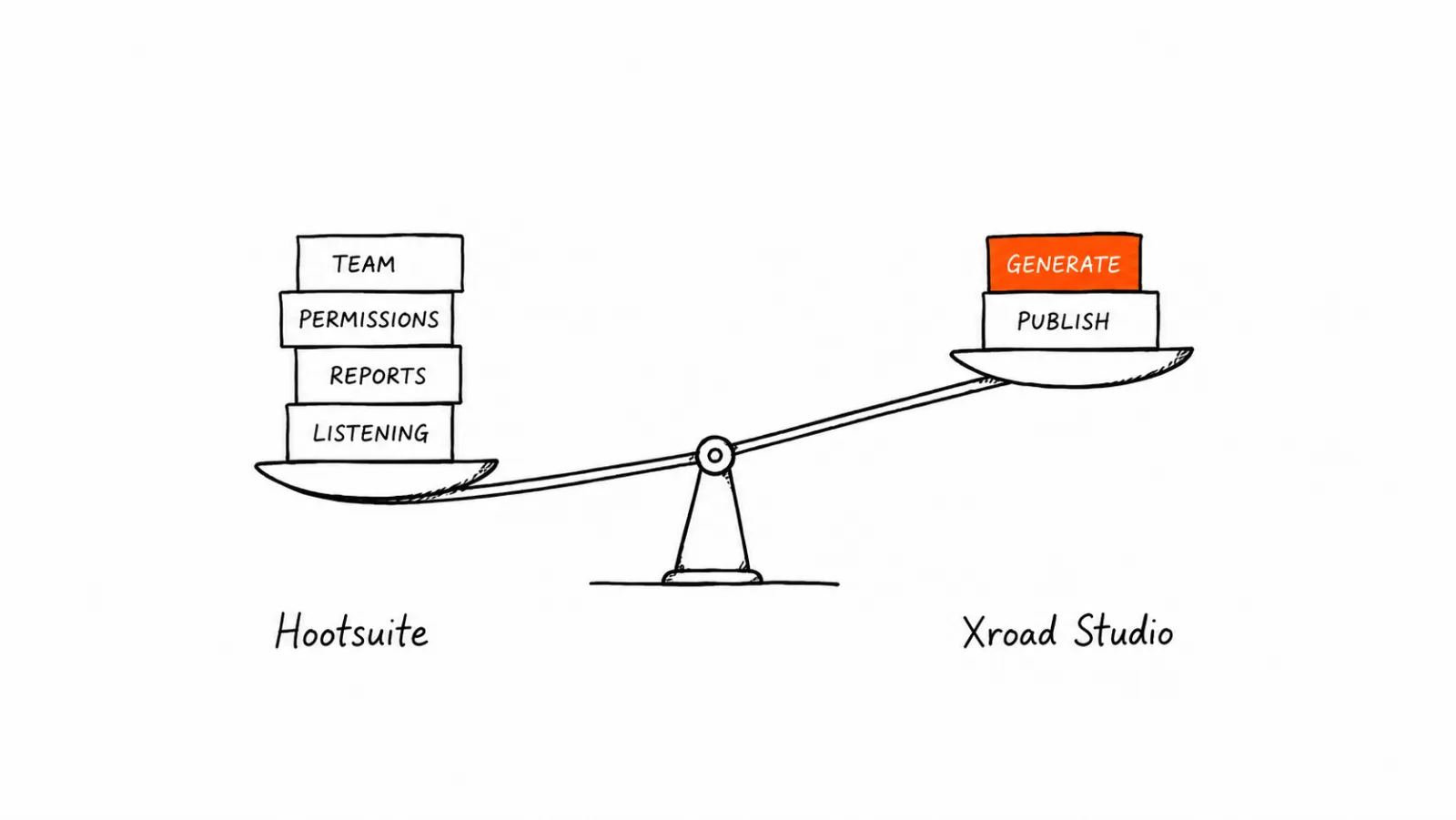
Xroad Studio vs Hootsuite: Features, Pricing, and Who Each One Is Really For
Hootsuite is an enterprise-grade social media management platform. It's built for large teams, complex approval chains, detailed analytics.
Sep 8, 2026 · 7 min read
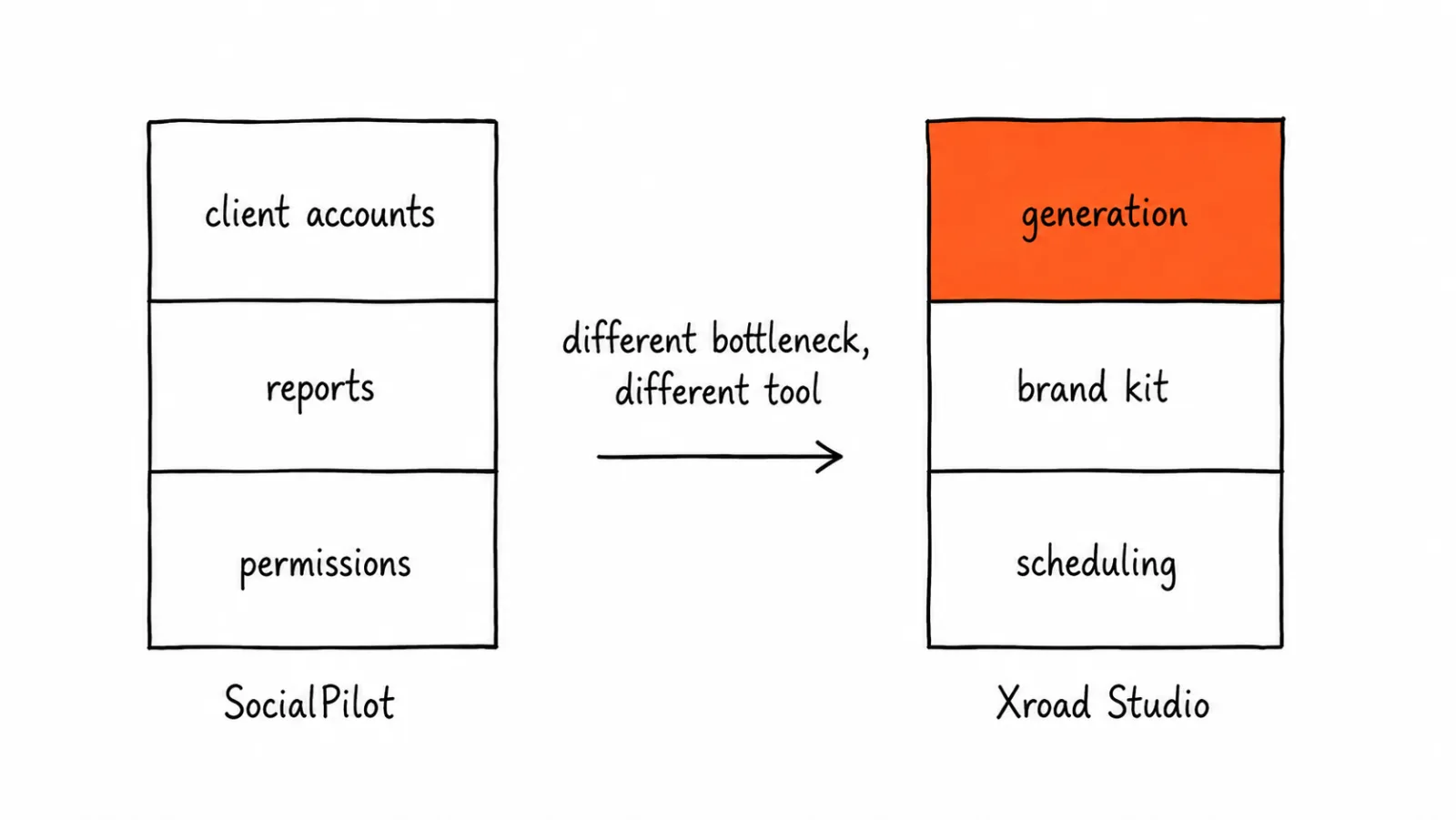
Xroad Studio vs SocialPilot: Client Management, White-Label, and Price Compared
SocialPilot is a social media scheduling and management platform built with agencies in mind: client account management, white-label reporting.
Apr 26, 2026 · 10 min read
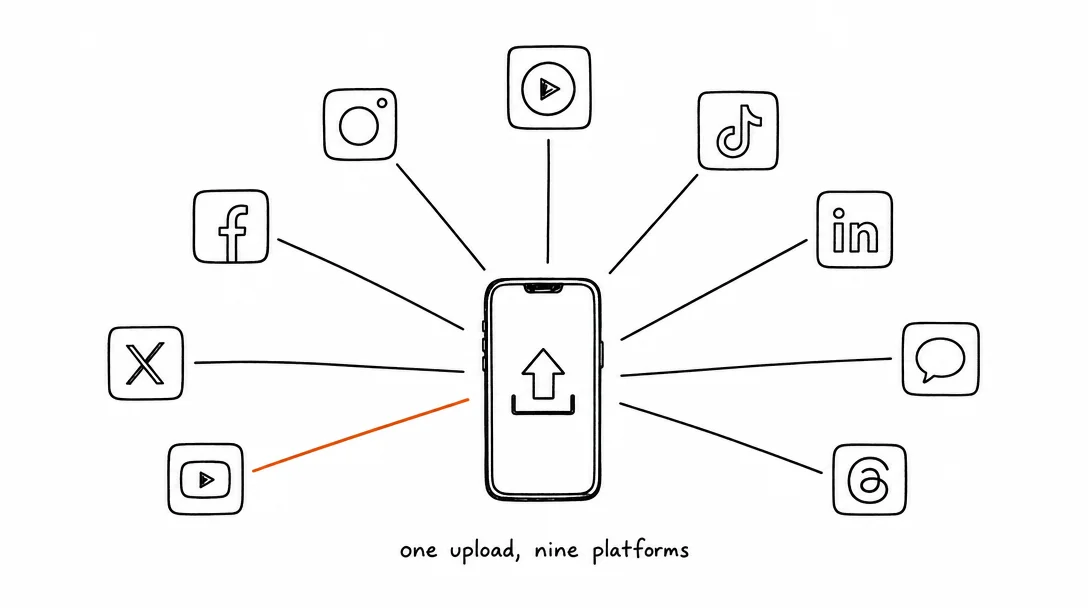
How to Post to 9 Platforms at Once
Stop logging in 9 times. Schedule everything, Instagram, TikTok, YouTube, LinkedIn, and more, from one place.
Your brand. One platform. Always on
Create, edit, and post from a single studio.
Start for freeSchedule every platform from one place, automatically.